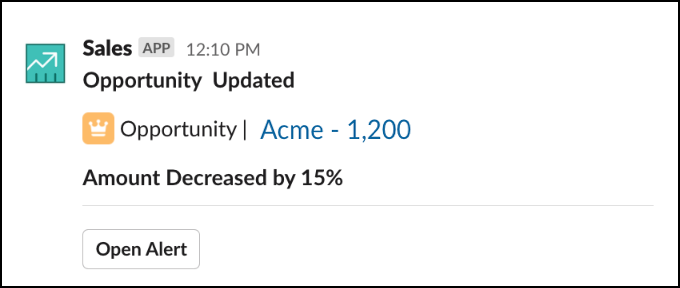
Your Salesforce admin determines how much data is shared in reminder, sales channel, and feed channel notifications. The setting is set from the Record Detail Setting on the Enable Slack for Salesforce page in Setup. If you don’t have access to the record in Salesforce, you can’t access additional details about the notification.
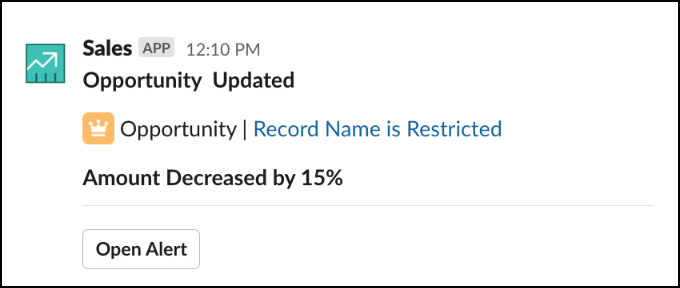
If the setting is at the most restrictive level, notifications sent to the channel show the record’s object type and details about the notification. If you don’t have access to the record in Salesforce, you can’t access additional details about the record in Slack.
For example, in a sales channel, a notification like the following could be sent to a channel, and all members can see the notification. The record name is restricted, but users can see that the amount was updated on an opportunity record.
If the setting is at the least restrictive level, channel users see the record’s object type, the notification details, and the opportunity name. For a list of what’s considered a notification detail see Sales Cloud for Slack Notification Flows.