
Your users can share Salesforce record data through private channels, direct messages, multi-user direct messages or Slack Connect channels. You can set details to show as much or as little data as needed when your users unfurl a link.
- From Setup, in the Quick Find Box, enter Slack and then select Initial Slack Setup.
-
Scroll to the Verify Data Sharing Options section. Configure the way unfurled
links appear in Slack.
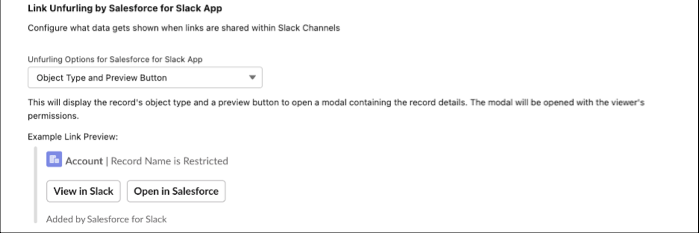
- Select I'm done selecting Object Permissions. You also have the option to use Slack Record Layouts to create a custom URL Unfurling Layout.