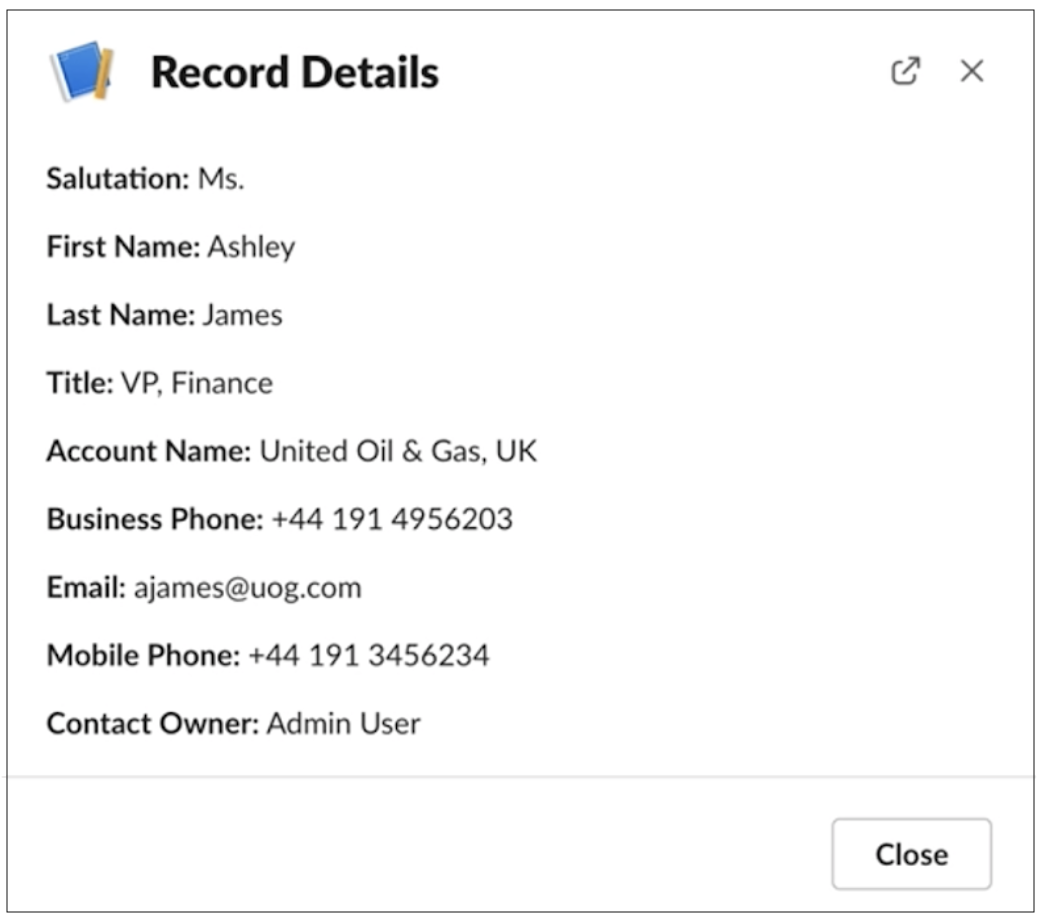
Set up authorization to preview Salesforce record data in unfurled links when users share any salesforce.com or force.com URL. Once authorization is enabled, Slack users can access record data directly from any unfurled link pointing to a record home page in the connected Salesforce org.
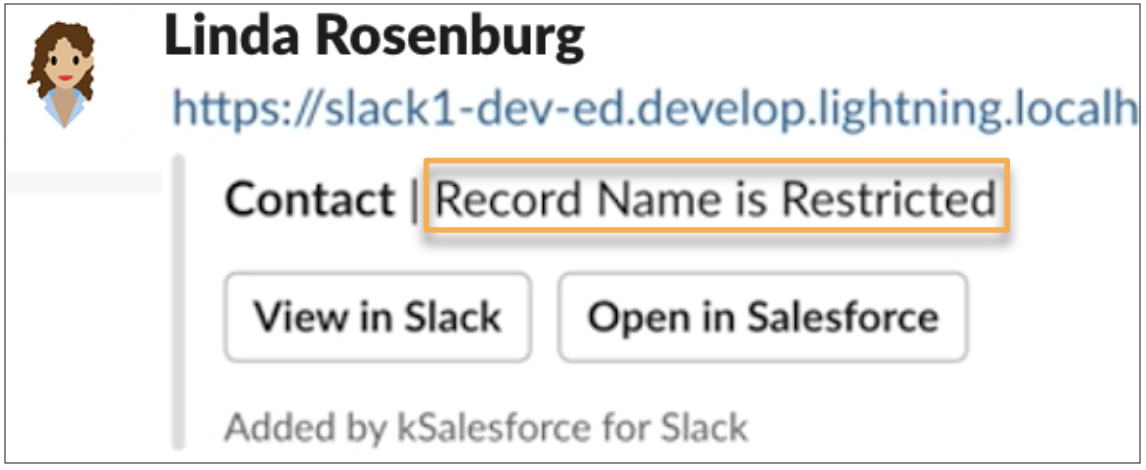
- In a Slack message, paste a link that is registered as a salesforce.com or force.com
domain. By default, details of a record aren’t visible.
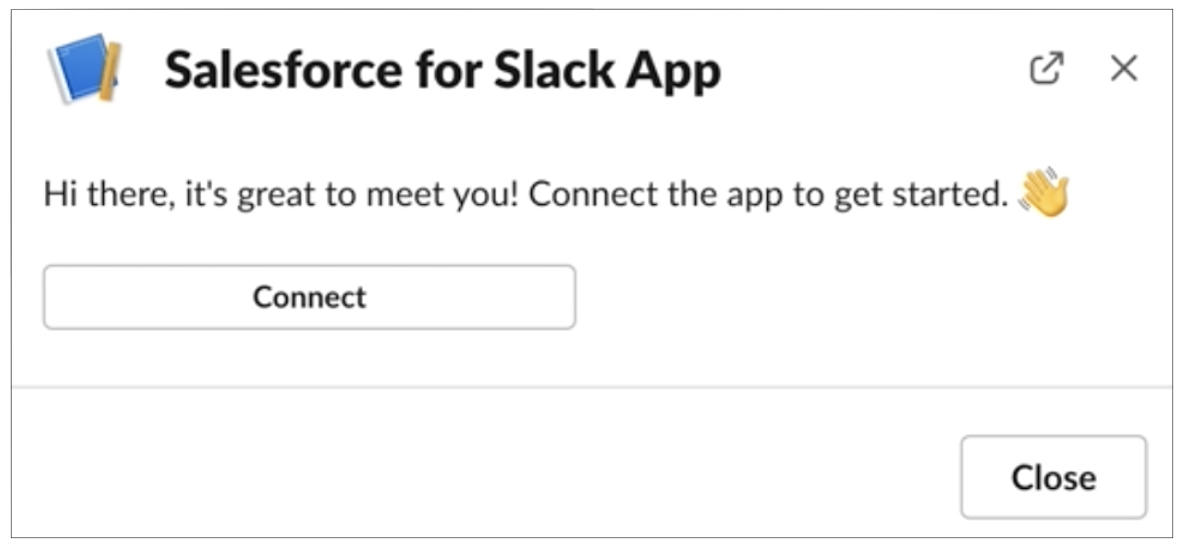
- If the user hasn’t authorized the Salesforce for Slack app with Salesforce,
a prompt is
shown to the user to connect Salesforce for Slack to a Salesforce
organization. Select Connect and then Allow to
confirm authorization.
- Return to the original link and click View in Slack. The record
details appear in a compact or Slack record layout based on your organization’s settings