
When you receive reminders to update records, you never miss the chance to close a deal on time. Plus, when your deal information is current, your sales team and your manager always know where your deals are in the sales cycle.
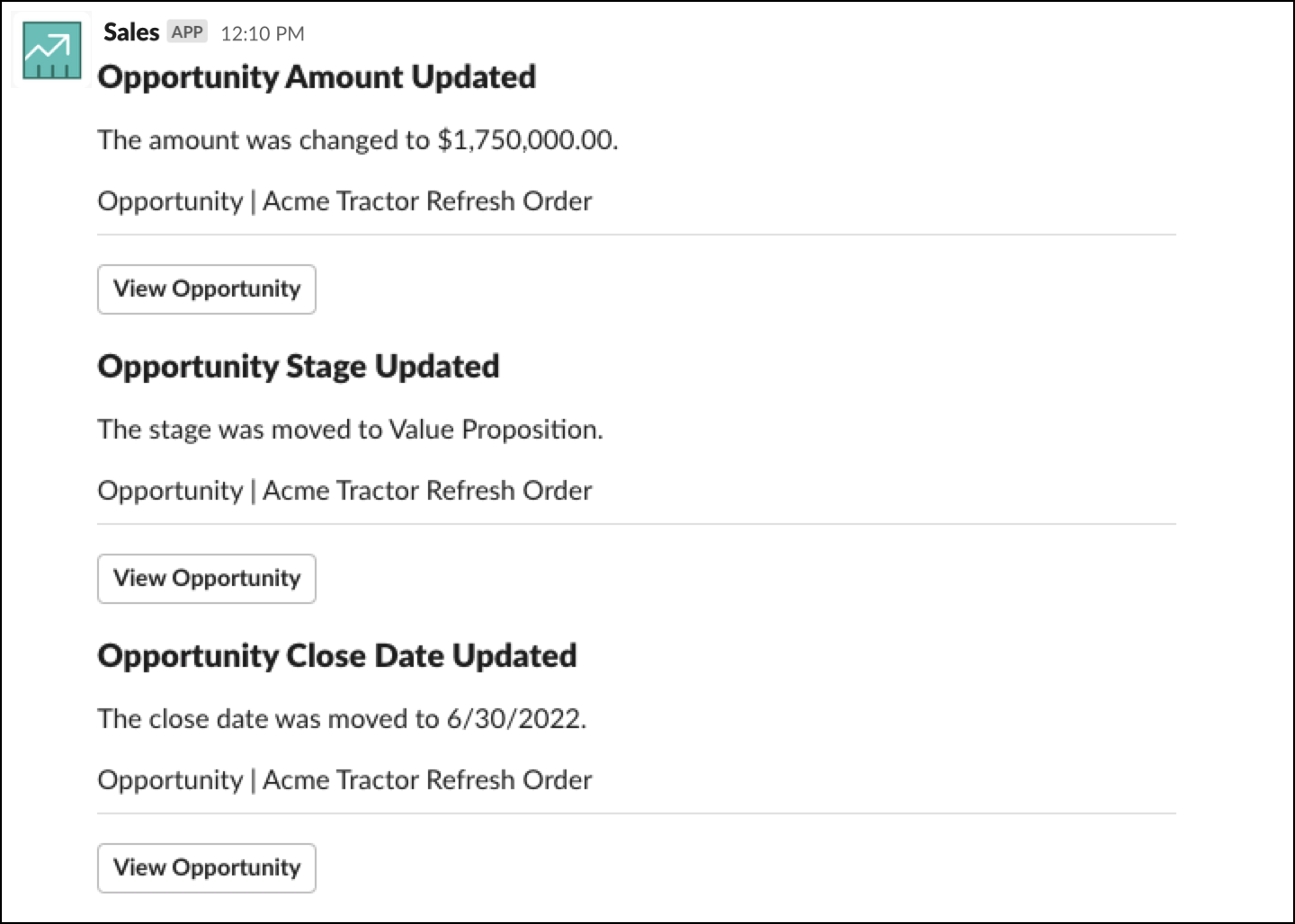
If you have any reminders due, they’re sent to the Message tab in the Sales Cloud for Slack app.
Before you can get reminders, admins must activate reminders during Sales Cloud for Slack setup.
Reminders are sent at the following times in the time zone that you have set in Salesforce.
| Reminder | Time Sent |
|---|---|
| An opportunity that you own has a close date that is approaching in 7 days. | 5:01 am |
| An opportunity that you own hasn’t had its Next Step field updated for 30 days. | 6:01 am |
| An opportunity that you own has a stage that hasn’t been updated for 30 days. | 7:01 am |