To get started with Swarming in Slack, install the Service Cloud for Slack app in your
Slack workspace. Only the Salesforce orgs that your Salesforce admin completed the Slack app setup
for can connect to the Service Cloud for Slack app.
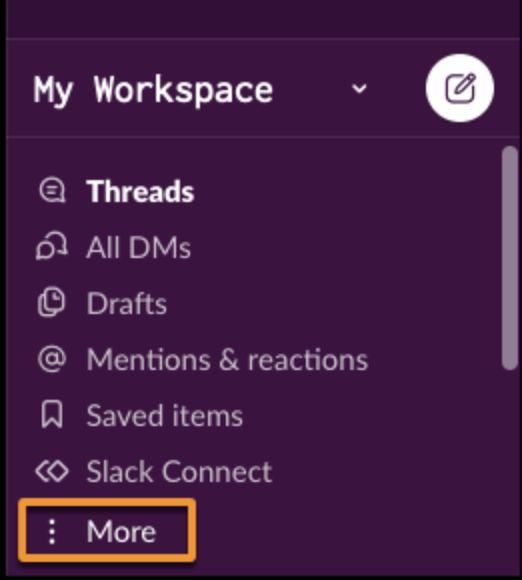
- From the Slack navigation menu, select the workspace that your admin installed the app in.
Only provisioned workspaces support the Service Cloud for Slack app.
- Select More.
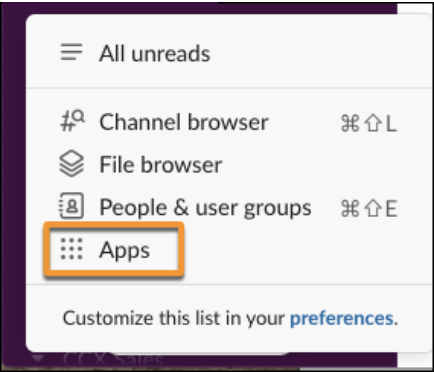
- Click Apps
- Search for Service.
- Click the Service Cloud for Slack app.
- Connect your Salesforce account to Slack.