
Use the Service Cloud for Slack app to swarm in a channel that was created without a Swarming flow.

Important For Swarming flows and actions to work in a private channel, manually add
the Service Cloud for Slack app to the channel.
- Select the dropdown menu next to the channel name, and then go to the Integrations tab.
- Click Add an App.
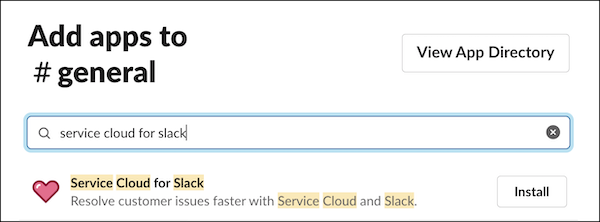
- Find Service Cloud for Slack in Apps and click Install.
- Connect the Service Cloud for Slack app to your workspace and log in to your Salesforce account.