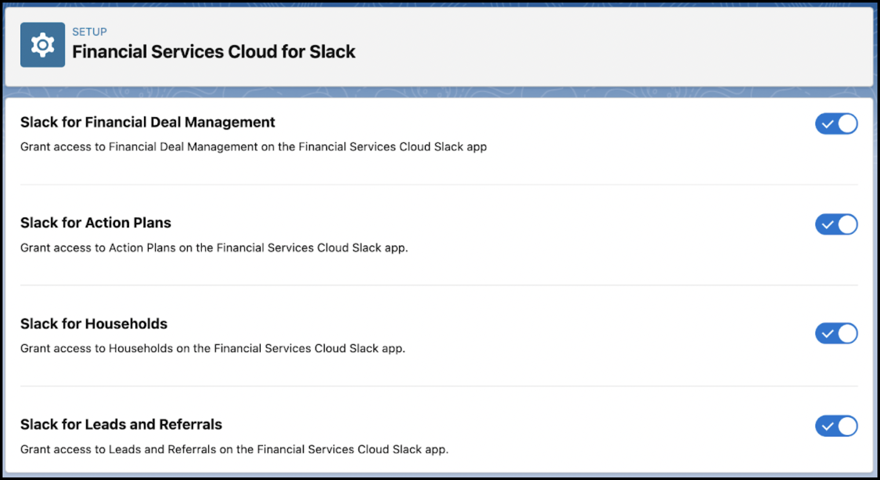
Turn on the setting for leads and referrals in Slack.
Required Editions
|
Available in: Lightning Experience Available in: Enterprise, Performance, and Unlimited editions Available in: Slack (where approved by a workspace admin) |
| User Permissions Needed | |
|---|---|
| To enable Lead and Referral in Slack: |
Financial Services Cloud Extension permission set and Customize Application |
- From Setup, in the Quick Find box, enter Slack, and then select Financial Services Cloud for Slack.
- Turn on Slack for Leads and Referrals.