Salesforce Slack apps installed in the same workspace and connected to the same org
share the user mapping between apps for any given Slack user.
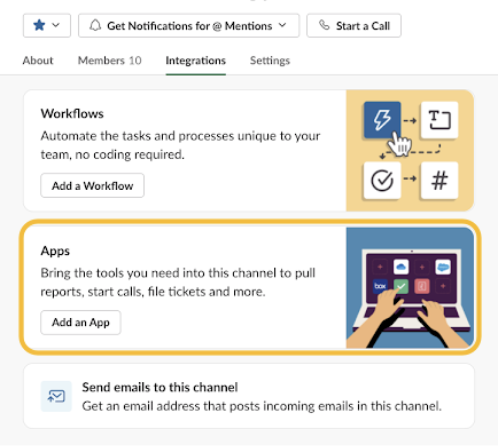
To swarm in a channel that’s created without a Service Cloud for Slack app flow, manually
add the Service Cloud for Slack app.
- Select the channel name, then go to Integrations.
- Find Service Cloud for Slack in Apps, and add it to the channel.