
Use the error log in NPSP settings to learn more about issues in your org.
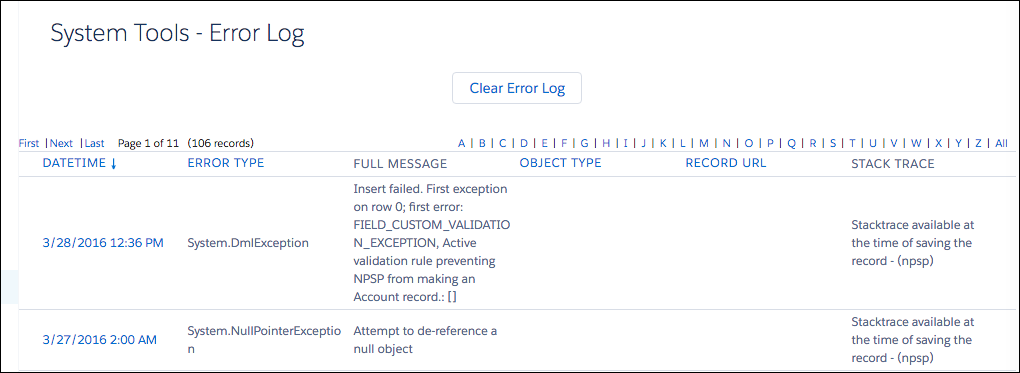
From the NPSP Settings tab, click .A variety of information is provided for notification and debugging purposes when working with errors. The error log contains these fields:
- DateTime - The date and time that the error occurred.
- Error Type - The type of exception (error) that occurred.
- Full Message - The error message provided by the system.
- Object Type - Type of object on which the error occurred, if known.
- Record URL - A link to the record that caused the error, if available.
- Stack Trace - Stack trace for the thrown error, if available at runtime.

Note NPSP errors will only be stored if Error Handling is enabled in . See
Configure Error Handling for more information.