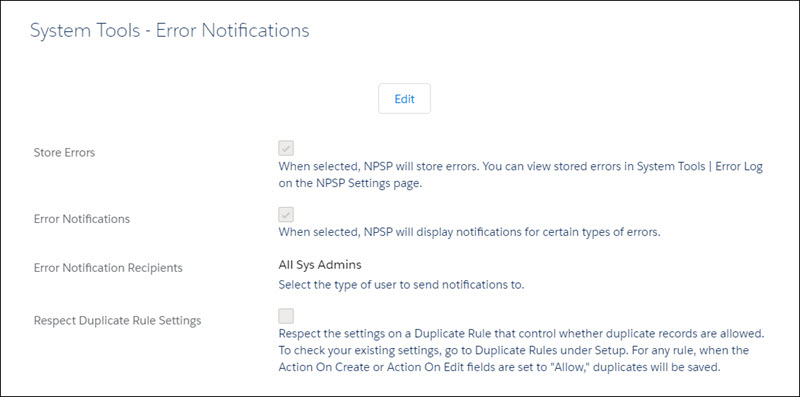
In Nonprofit Success Pack, when you enable error handling, errors are centrally trapped, collected, and stored in a single location based on your preferences.
To configure error handling:
From the NPSP Settings tab, click System Tools | Error Notifications.
Click Edit.
If you'd like to enable error handling, select Store Errors.
Make other selections as appropriate for your org.