
Launch the Gift Entry Manager app to access most of the tools and data you need for entering and managing gifts.
Most of the tools and data that your gifts team uses are in the Gift Entry Manager app. From here, users can access Accounts, Contacts, Opportunities, Reports, and the GEM gift entry tools.
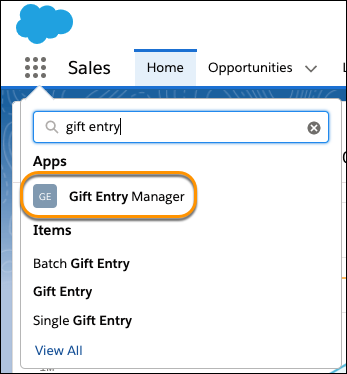
To access this app, click the App Launcher ( ), then find and select Gift Entry Manager.
See Lightning App Navigation Bar Items for information on adding more tabs to this app, or View and Edit Assigned Apps in Profiles and App Permissions in Permission Sets for information on granting access to this app to your users.