
Identify the role, preferences, and interests of mentoring participants.
A mentoring profile record helps you to connect a mentee with a suitable mentor. Populate the record with fields that you can use in the Mentor Comparison screen flow to compare potential mentors with a mentee and make a match. Possible fields for comparison include the subject area or industry, in-person or virtual meeting preference, location, or the days and times that the participant is available. You can add any fields that help you match the perfect mentor with the mentee.
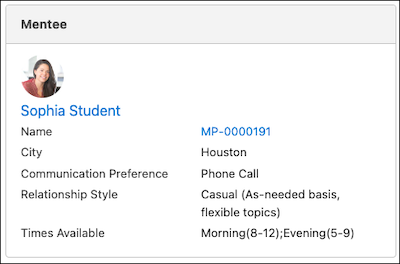
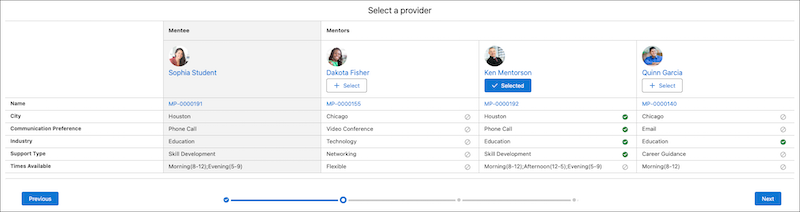
- Update the Mentoring Profile Record Page
Create and add fields to the mentoring profile record page that you want to use to compare and match mentors with a mentee. - Create a Mentoring Profile Record
Identify roles and preferences for Mentoring participants.