
Identify people or organizations who can provide benefits to mentees using the provider offering object.
| Available in: Lightning Experience |
| Available in: Enterprise, Performance, Unlimited, and Developer Editions with Education Cloud |
| User Permissions Needed | |
|---|---|
| To manage benefit providers: | Education Cloud Full Access |
Here are some examples of benefit providers.
-
An alumnus from your institution who helps students network with professionals in their field of study.
-
An organization who sets up work-study programs for students.
-
A senior student who provides tutoring to first-year students.
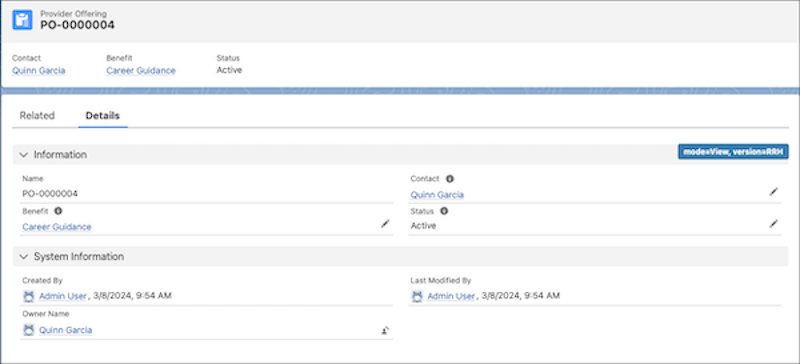
To create a provider offering:
- From the App Launcher, find and select Provider Offerings.
- Click New.
- In Benefit, find and select the benefit that's associated with this provider offering.
- In Contact, find and select the person who provides the benefit.
- To make the benefit offering available, select the Active status.
- Save your changes.
You can allow users to register as a benefit provider on an Experience Cloud site when you set up a program or create a benefit. Registering as a benefit provider from your Experience Cloud site creates a provider offering record for that user.
See Also: