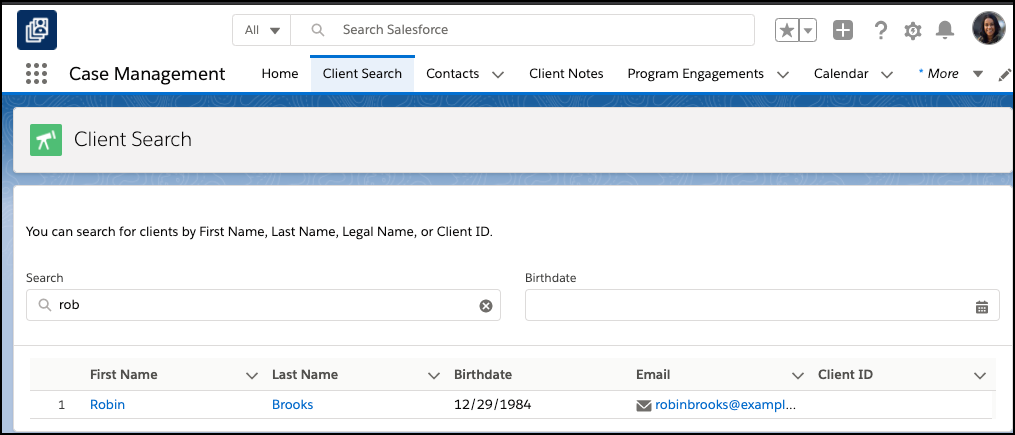
Use client search to find clients by first name, last name, preferred name, client id, or birthdate.
Client Search is available at the bottom of all pages in the Case Management app. Client Search results are restricted to Contacts that have the Client checkbox selected on their Contact record.

Note Client Search searches through all Contact text fields, not just Name or Client ID, so you may see more or fewer results than expected until you enter enough text. For example, a search for the name Carol may show Contacts whose address includes CA, until you type more of the name in the Client Search box.
Use global search to search for non-client Contacts and other Salesforce objects, such as Accounts.
To search for a client:
-
Click Client Search.
-
Enter your search terms in Search. For example, First Name, Last Name, Preferred Name, Client ID, or Birthdate. Results will narrow as you type.
-
Click the client’s name in the results to see their Contact record.