
Select a destination for summaries on the case page.
Required Editions
-
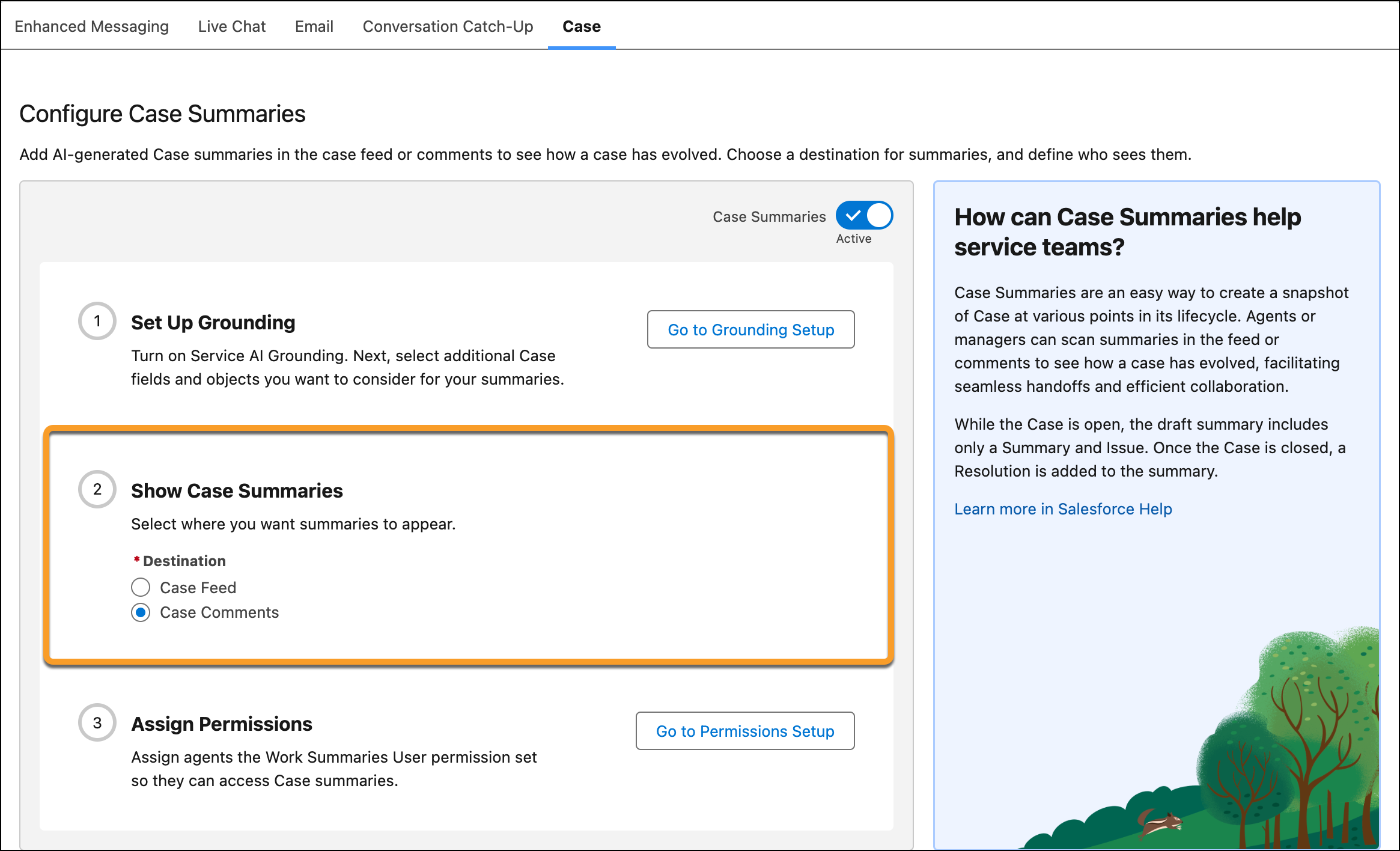
Under Show Case Summaries, select Case Feed or Case
Comments as the destination for summaries on the case page.
When you select Case Feed, service reps can draft summaries from the Post tab in the Feed.
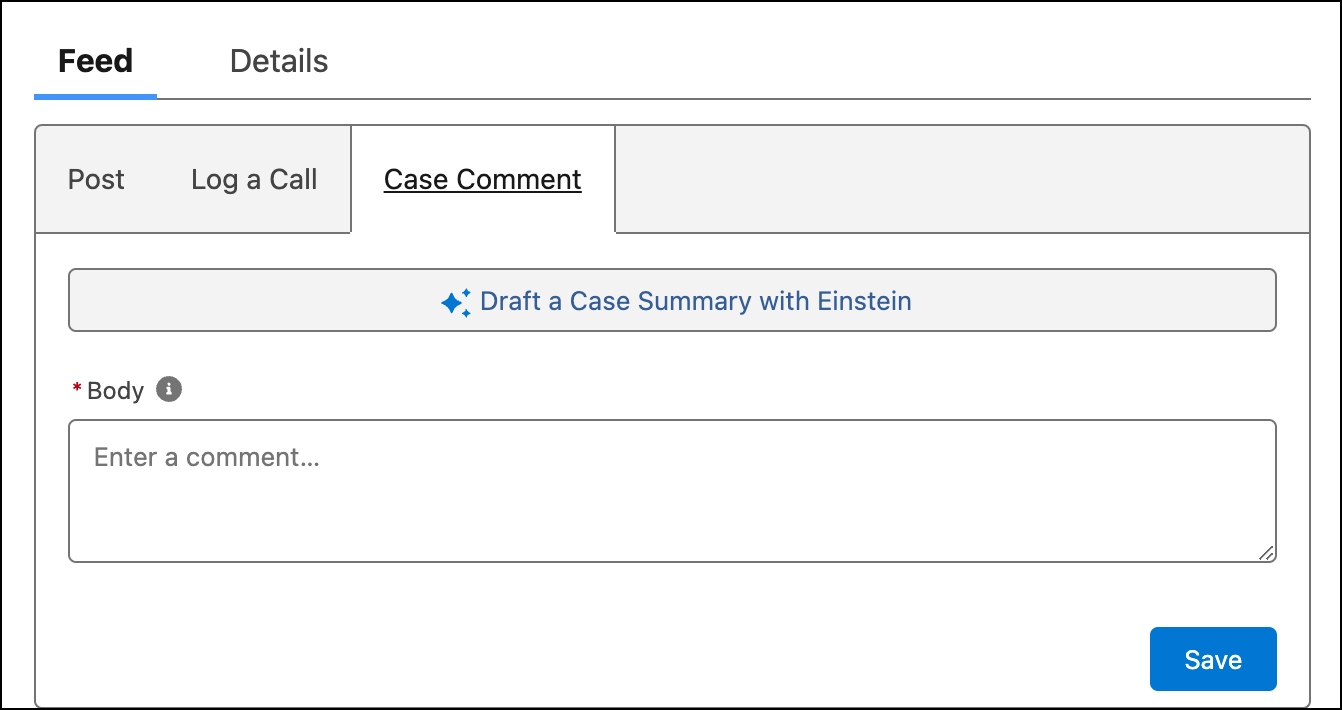
 When you select Case Comments, service reps can draft summaries from the Case Comment tab in the Feed.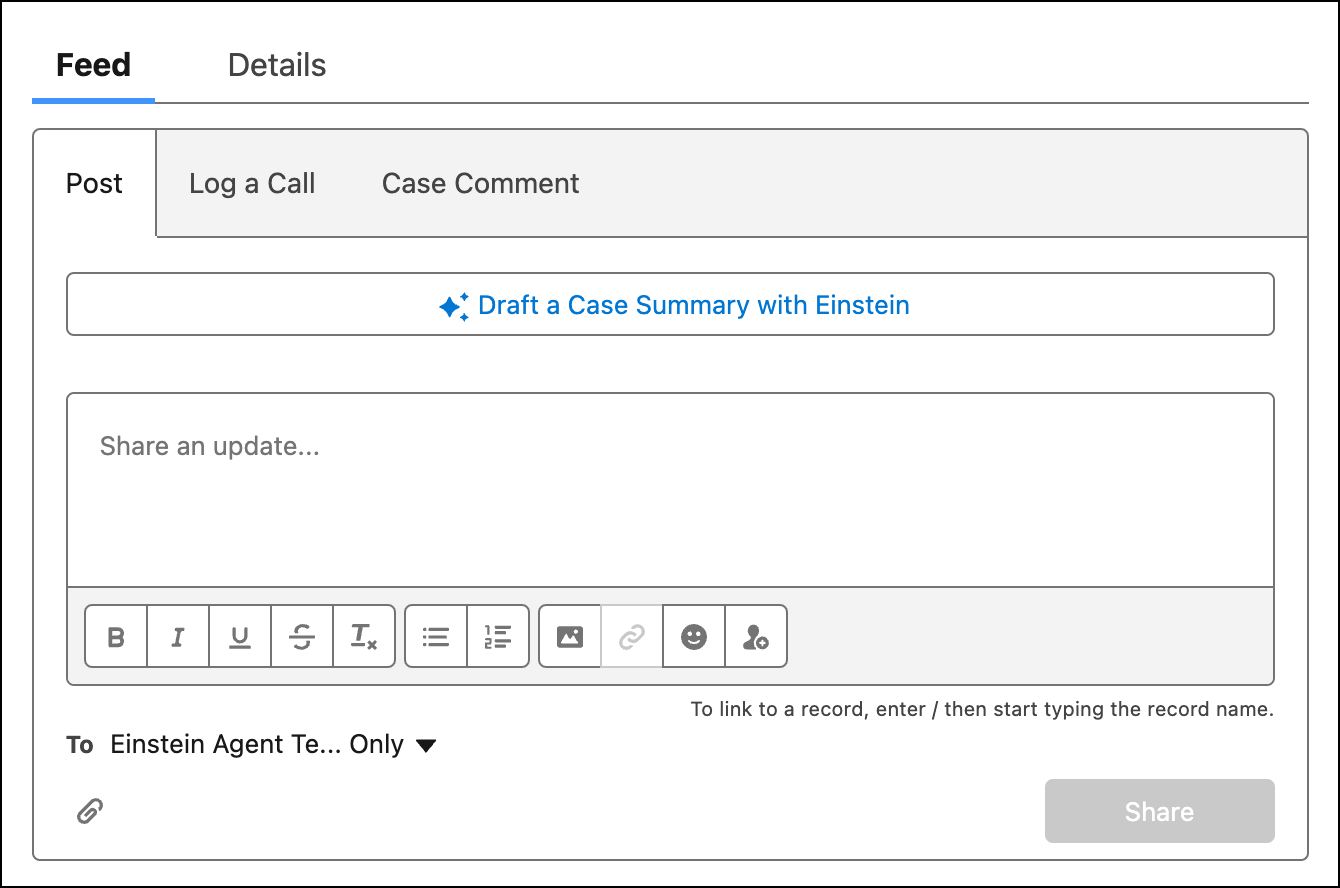
- Turn on Case Summaries.
Now that you've set up Case Summaries, see how they show up on the Case page.