
Run self-service checks for a detailed diagnostic report about the health of your contact center.
Required Editions
This article applies to:
- Salesforce Voice with Amazon Connect
- Salesforce Voice with Partner Telephony from Amazon Connect
| View supported editions. |
| User Permissions Needed | |
|---|---|
| To view the Amazon Contact Centers page: | Customize Application AND Manage Call Centers |
| To run service checks: | Salesforce Voice Contact Center Admin |
- From Setup, in the Quick Find box, enter Contact Centers, and then select Amazon Contact Centers or Partner Telephony Contact Centers.
- Open the contact center.
-
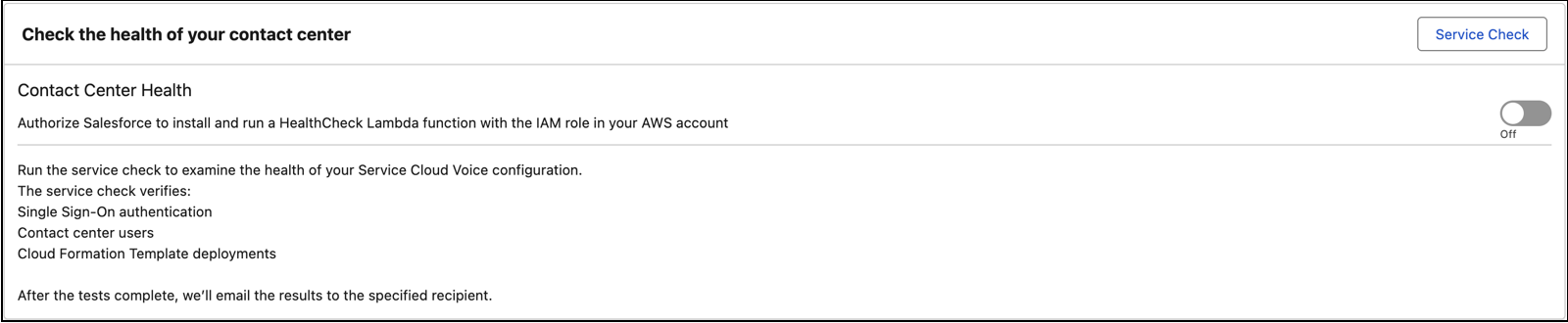
Click Service Check.
-
Enter your email address and click Run Service Check.
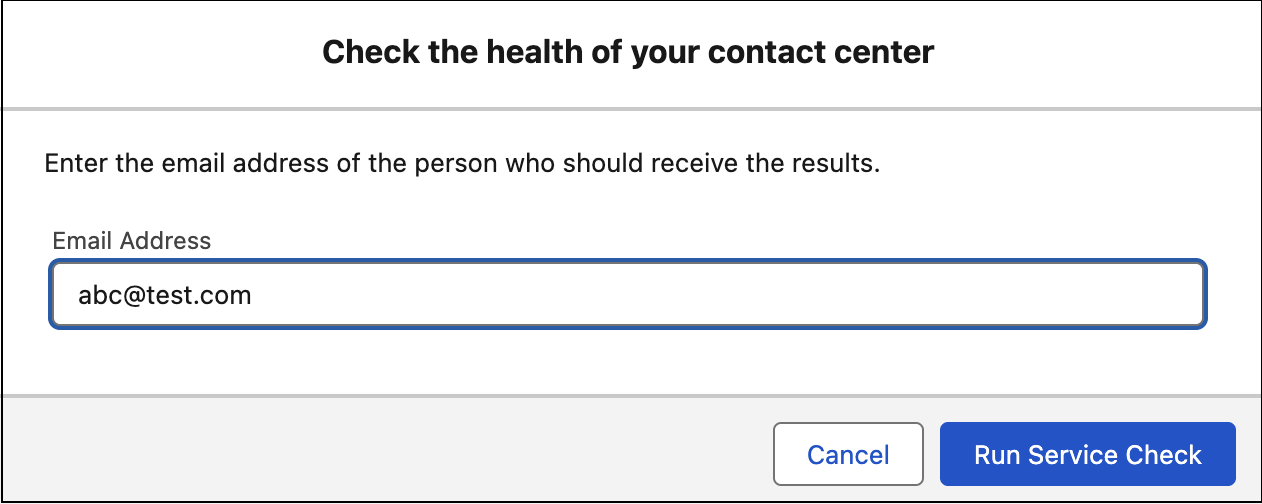 After the service checks complete, you receive an email with the results.