
To run service checks in a contact center, authorize Salesforce to install and run the HealthCheck Lambda function with the IAM role in your AWS account.
Required Editions
| View supported editions. |
This article applies to:
- Salesforce Voice with Amazon Connect
- Salesforce Voice with Partner Telephony from Amazon Connect
| User Permissions Needed | |
|---|---|
| To view the Amazon Contact Centers page: | Customize Application AND Manage Call Centers |
| To run service checks: | Salesforce Voice Contact Center Admin |
- From Setup, in the Quick Find box, enter Contact Centers, and then select Amazon Contact Centers or Partner Telephony Contact Centers.
- Open the contact center for which you want to configure the health check stack.
- In the Contact Center details page, turn on the Contact Center Health option.
-
Review the authorization message. By enabling this option, you authorize Salesforce to
install and use a HealthCheck Lambda function with the IAM role.
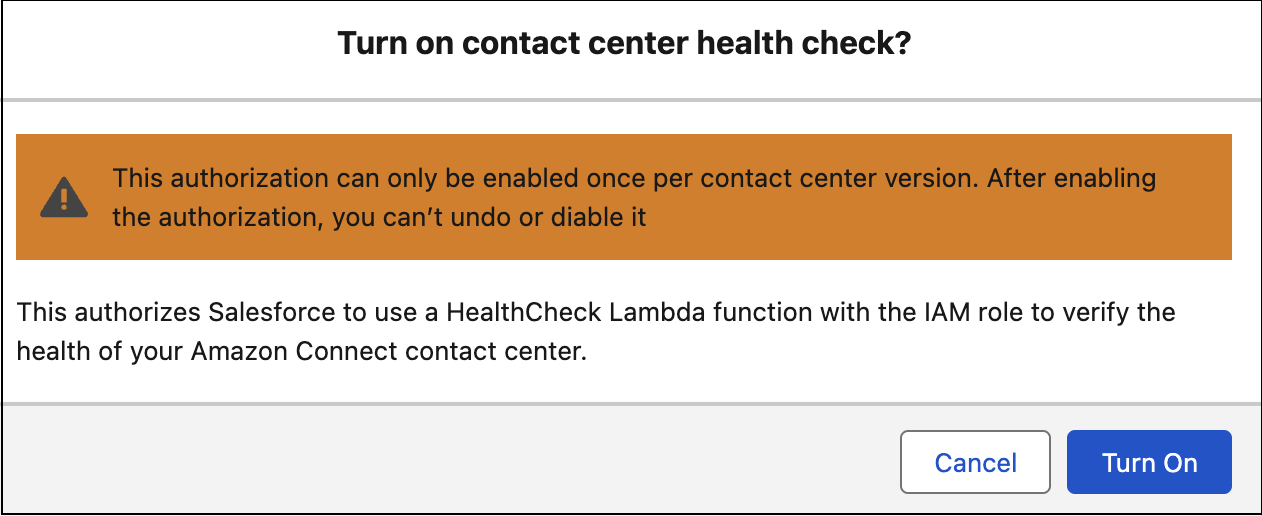 Starting in the Summer ‘26 release, you can enable the Contact Center Health option only if you’ve updated your contact center to the latest version.
 - Save your changes.
You receive an email with the results of the health check stack installation in your contact center. You can run the service check when Salesforce has installed the health check stack in the contact center.