If your telephony provider has enabled headset support in the managed package, you can
use a headset for voice call, and control call actions such as accept, mute, unmute, and decline
calls from the headset. You can use only the headset models and brands supported by your telephony
provider.
Required Editions
This article applies to:
- Salesforce Voice with Partner Telephony
| Available in: Enterprise and Unlimited Editions |
-
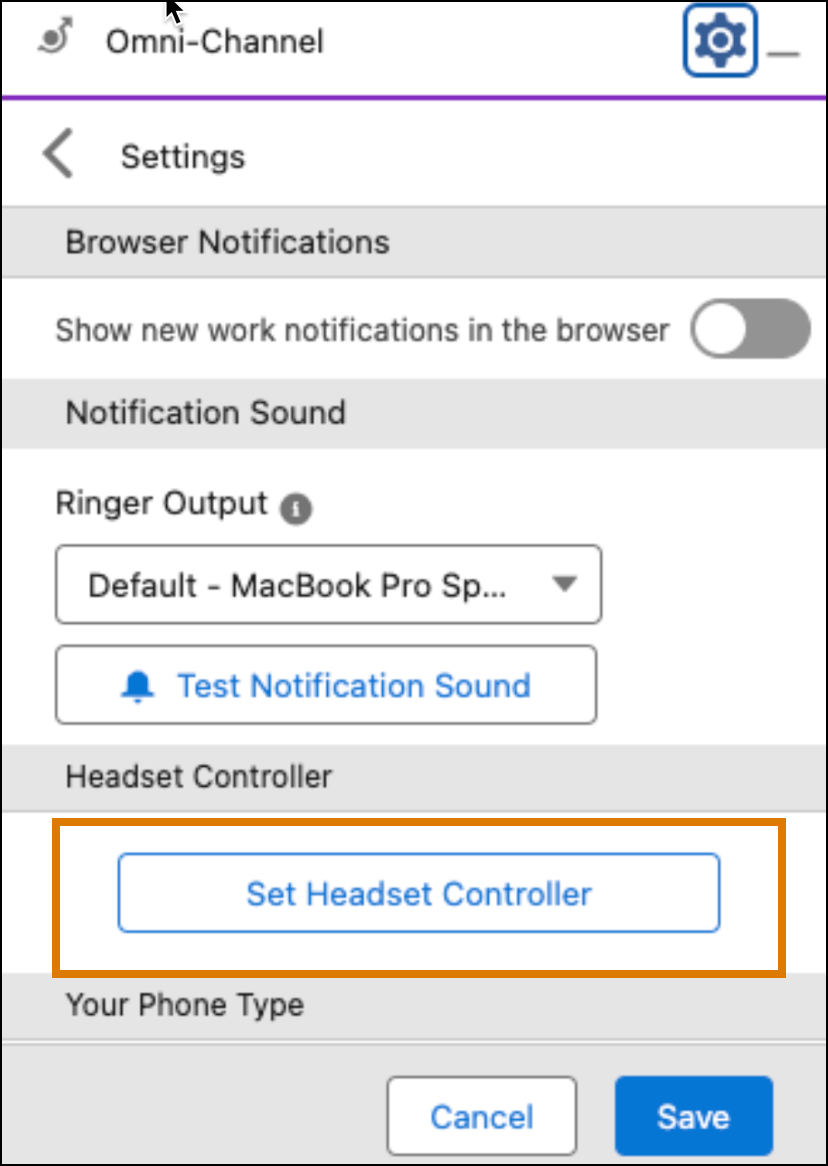
In the headset controller section in the Omni-Channel settings, click the to choose the headset for voice calls.
-
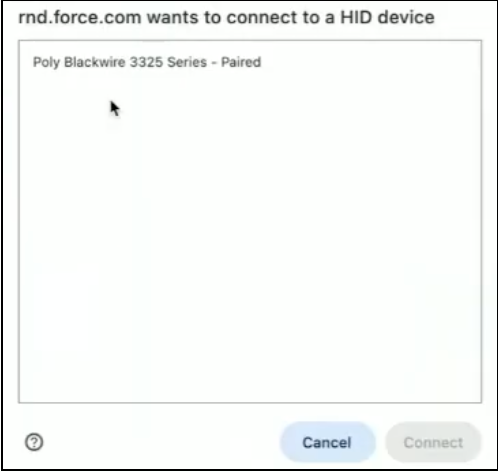
Select the headset from the browser window and click . The browser window shows only HID-compatible devices that support
telephony.
-
To use the headset for voice calls, click in the Omni-Channel settings.
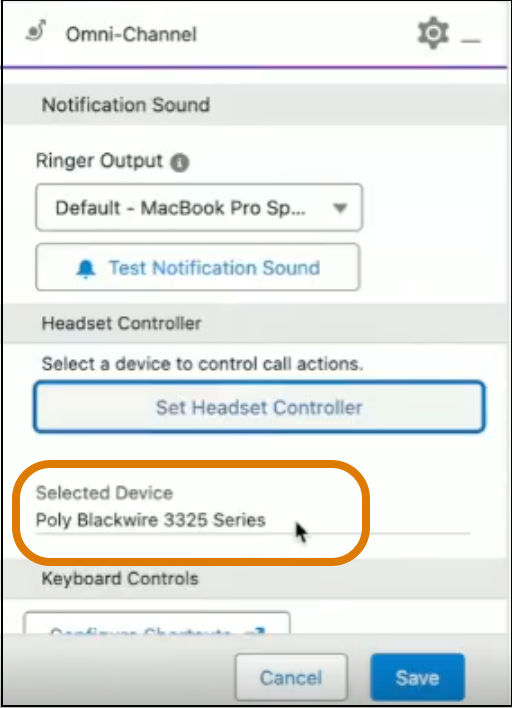
When the headset is paired, the Omni-Channel console shows the selected device
name.