
Use the Edit option in the contact center details page to edit the contact center details.
Required Editions
This article applies to:
- Salesforce Voice with Partner Telephony from Amazon Connect
| View supported editions. |
-
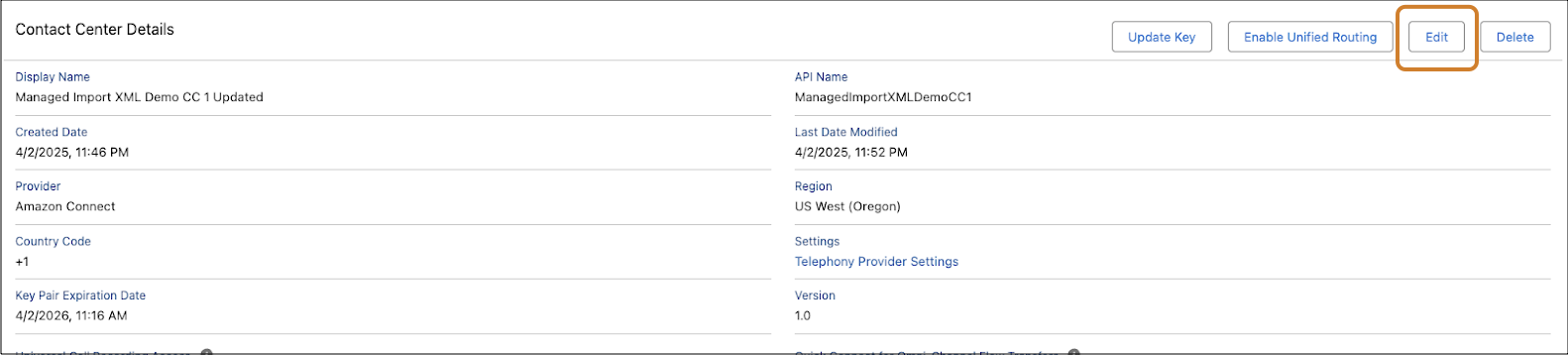
Click Edit in the contact center details page.
-
Click Import XML to upload the contact center definition XML file. Make sure the import.xml
file has the updated values for the contact center details you want to change. You must not
change the
internalNameof the contact center.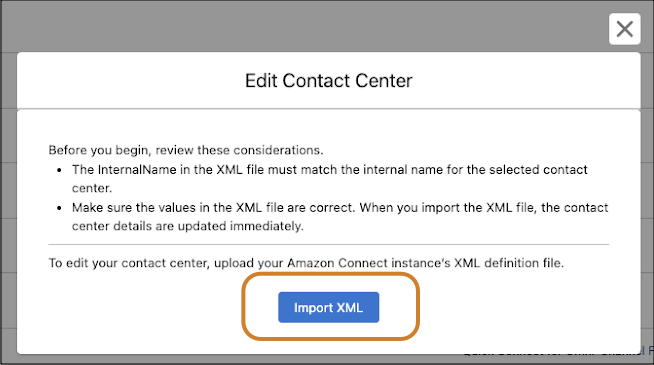
- Save the changes.
When you import the XML file, the contact center details are updated immediately. If the update fails, you can retry the operation.