You can delete a contact center from your Salesforce org. For example, you can delete
the contact center to change the AWS region that’s hosting your Amazon Connect instance or to
clean up your Sandbox org. Before you can delete a contact center, you must delete the voice calls
associated with the contact center.
Required Editions
This article applies to:
- Salesforce Voice with Amazon Connect
- Salesforce Voice with Partner Telephony from Amazon Connect
| User Permissions
Needed |
| To delete a contact center: |
Customize Application and Manage Call
Centers |
-
From Setup, in the Quick Find box, enter Contact Centers, and
select Amazon Contact Centers or Partner Telephony
Contact Centers, depending on your telephony system.
-
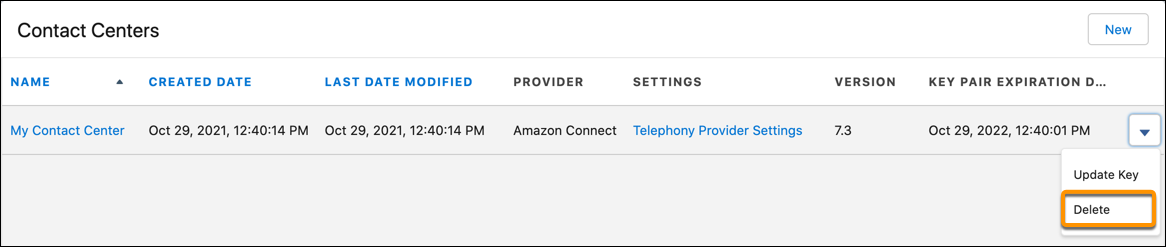
To delete the contact center, click the dropdown to the right of the contact center,
and then select Delete.