
Use the unified routing option in the contact center details page to enable or disable unified routing for the contact center.
This article applies to:
- Salesforce Voice with Partner Telephony
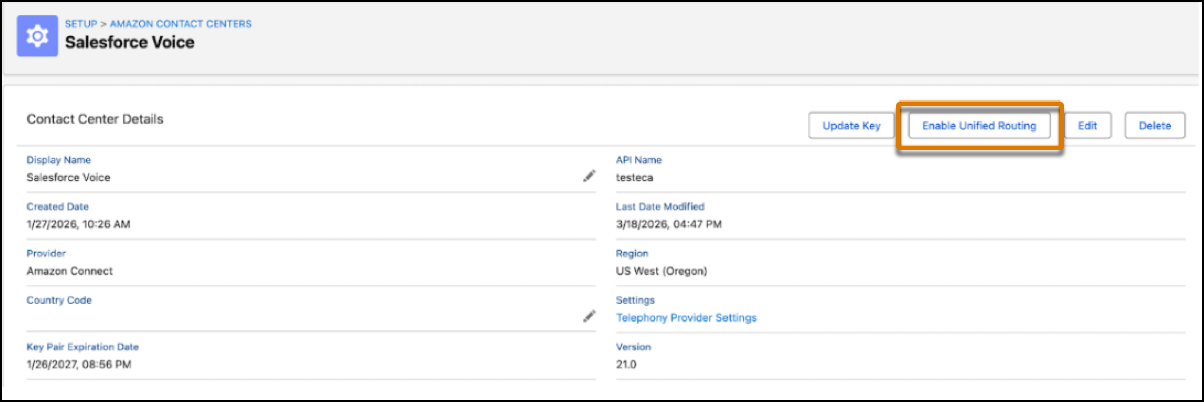
When unified routing is enabled for a contact center, Salesforce uses Omni-Channel to handle call routing for all the voice channels in the contact center.
- Unified Routing for Voice Calls
Set up unified routing for voice calls. - Unified Routing for Skills-Based Routing
After configuring unified routing, set up skills-based routing. - Route Calls Directly to a Rep with Unified Routing
Route voice calls directly to a preferred rep by using Omni-Channel Unified Routing. For example, you can route sales calls from customers to their account executives.