
To manually integrate Voice with your exsiting Amazon Connect instance, you must prepare the contact center definition XML file.
Required Editions
This article applies to:
- Salesforce Voice with Partner Telephony from Amazon Connect
| View supported editions. |
- From Setup, enter Partner Telephony in the Quick Find box, then select Partner Telephony Contact Centers.
- Click New.
- Select Amazon Connect as the telephony provider and click Next.
- Select Use an existing Amazon Connect instance by uploading the contact center definition.
-
Import the instance definition file you configured in Prepare Contact Center Definiiton File step.
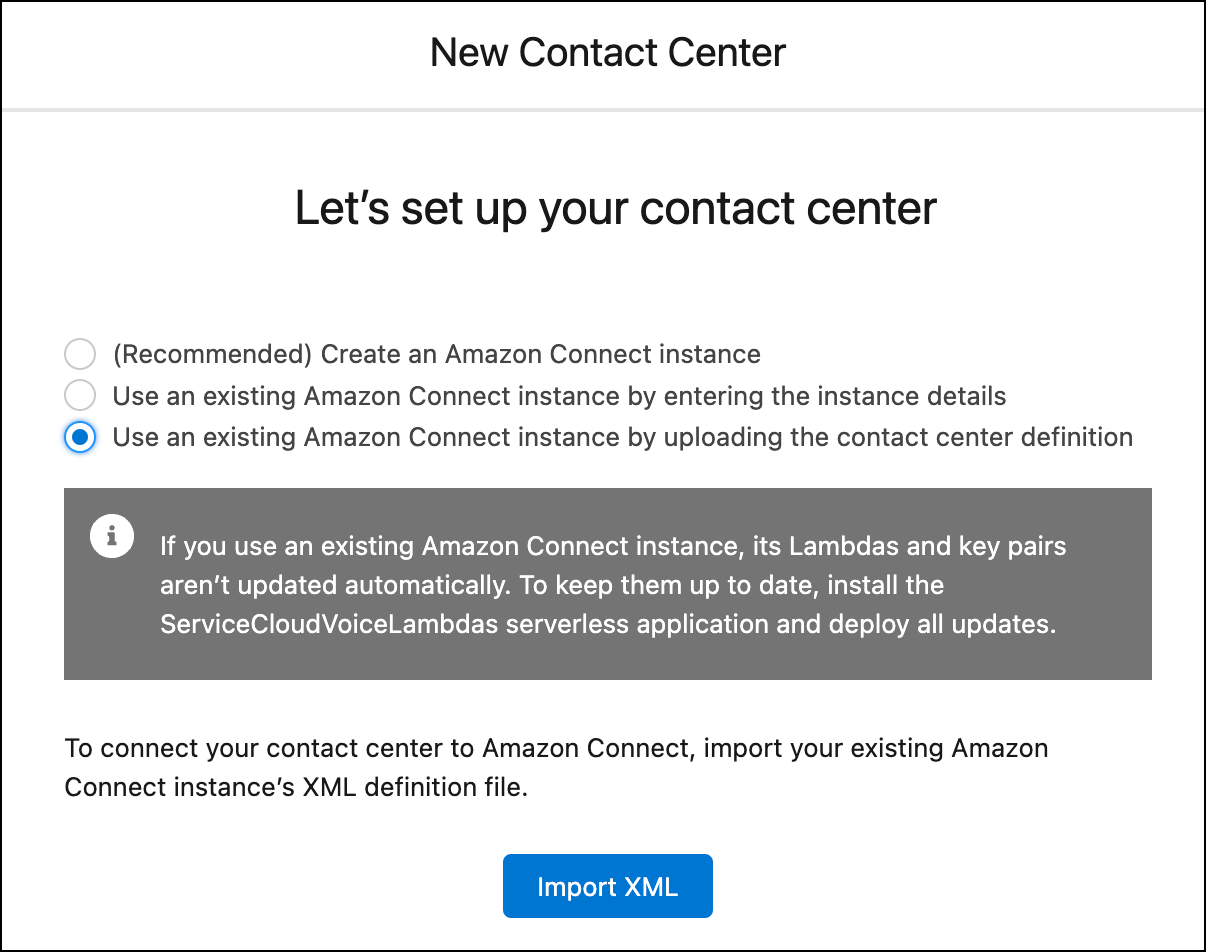
-
Click Import XML.
It can take a few minutes to create the contact center.
- To manage the contact center after it’s created, under Setup, enter Partner Telephony Contact Centers in the Quick Find box, and select Partner Telephony Contact Centers.

Note If the contact center fails to be created, the error details are available in the error
message shown on the screen.
If you use an existing Amazon Connect instance, its Lambdas and key pairs aren’t updated automatically.
Now that you've created your contact center, it's time to configure it. For example, add reps to the contact center, set up your phone channel, and set up reps' and supervisors' workspaces.