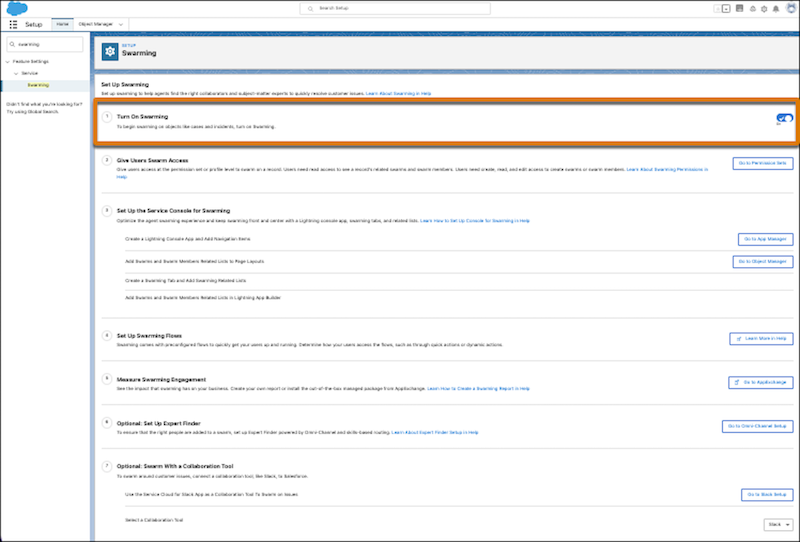
To begin swarming on customer issues and reduce customer resolution times, turn on
Swarming.
Required Editions
-
From Setup, in the Quick Find box, enter Swarming, and then select
Swarming.
-
Select the toggle to Turn on Swarming.
Next, give your users access to swarming objects, set up the Service Console, configure
out-of-the-box flows, and select a collaboration tool.