
Use the App Management tab to delete installed Service Intelligence apps, then complete steps in Data 360 to stop Data 360 credit consumption.
Required Editions
| View supported editions. |
| Permission Sets Needed | |
|---|---|
| To manage Data 360: | Data Cloud Admin permission set |
| To manage Agentforce Service (formerly Service Cloud): | Service Cloud User permission set |
| To install Service Intelligence: | Service Intelligence App Admin permission set |
| To use Service Intelligence: | Service Intelligence User permission set |
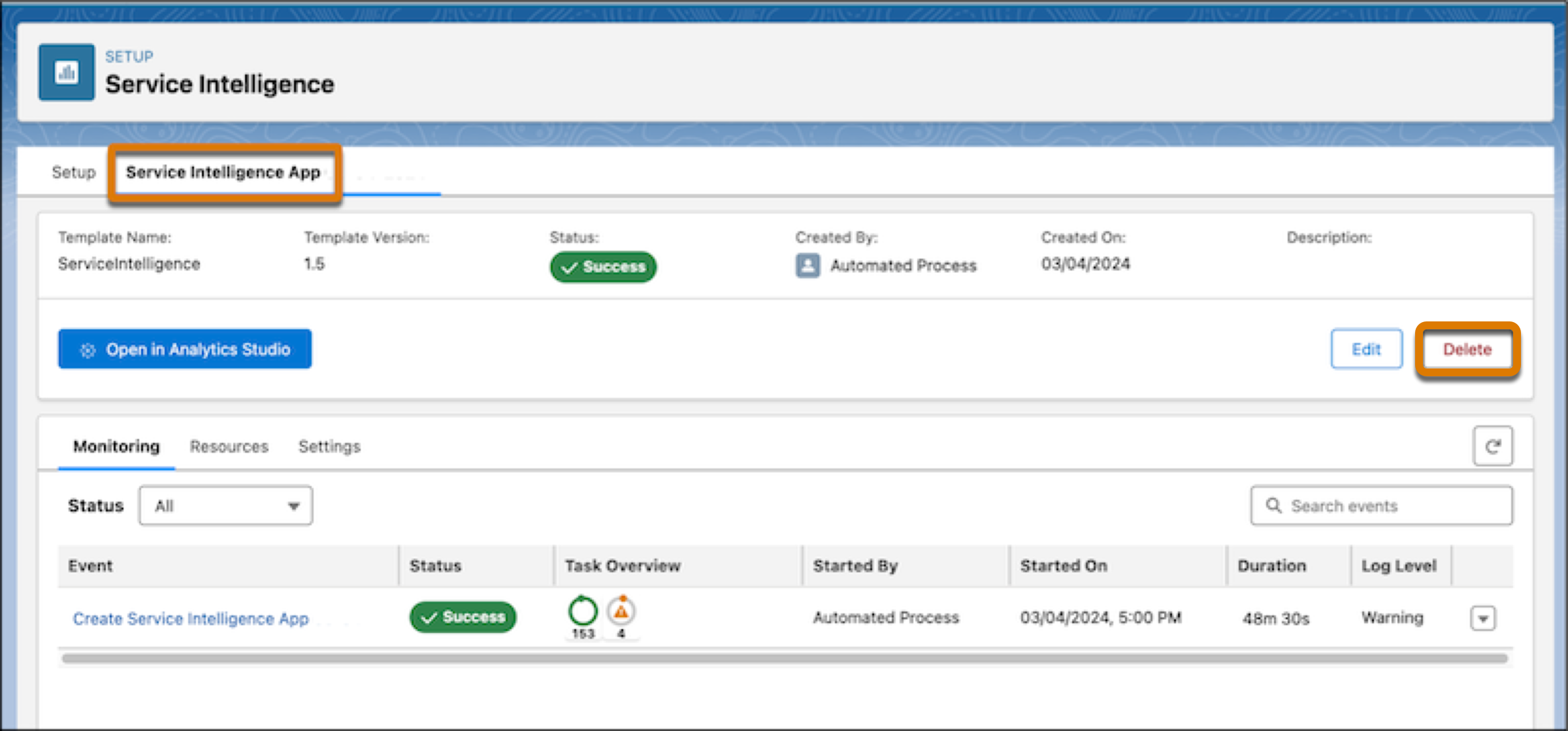
After you delete a Service Intelligence app, progress through Data 360 steps to end Data 360 credit consumption.