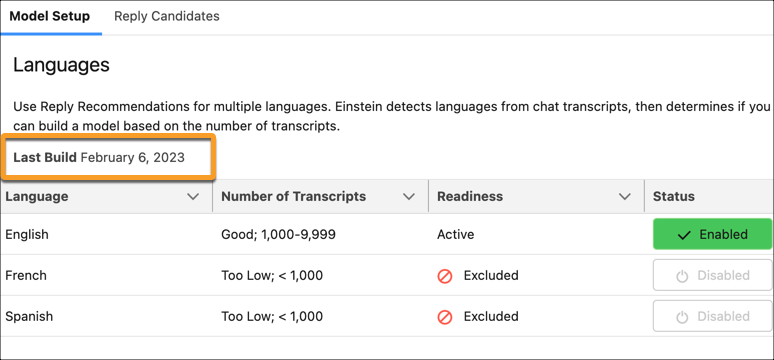
After you enable Einstein Reply Recommendations, you can build your model if you have enough closed chats.
Required Editions
| View supported editions. |
| User Permissions Needed | |
|---|---|
| To build the Einstein Reply Recommendations model: | Customize Application |
- From Setup, in the Quick Find box, enter Einstein Reply Recommendations, and then select Einstein Reply Recommendations.
- On the Einstein Reply Recommendations Setup page, click Let’s Go. If you don’t have enough closed chats to build a model, you get a message here.
-
To let Einstein analyze your chat data and generate a list of replies, click
Build Model.
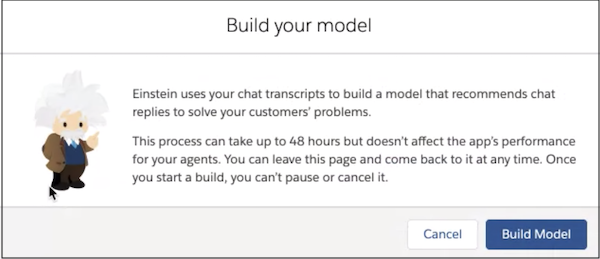
Einstein creates two models from this initial build. One identifies potential reply templates from past chats and service rep utterances. A second model identifies data patterns in live chats and then recommends that reply to service reps in real time.
After the initial build, each month Einstein retrains the model that recommends replies to your service reps in real time. To see your last build date, in the Einstein Reply Recommendations page in Setup, select Model Setup.