After you publish Einstein’s replies to Quick Text and give your service reps access to
replies, activate your model to show recommendations during chat and messaging
sessions.
Required Editions
| User Permissions
Needed |
| To activate an Einstein Reply Recommendations model: |
Customize Application |
-
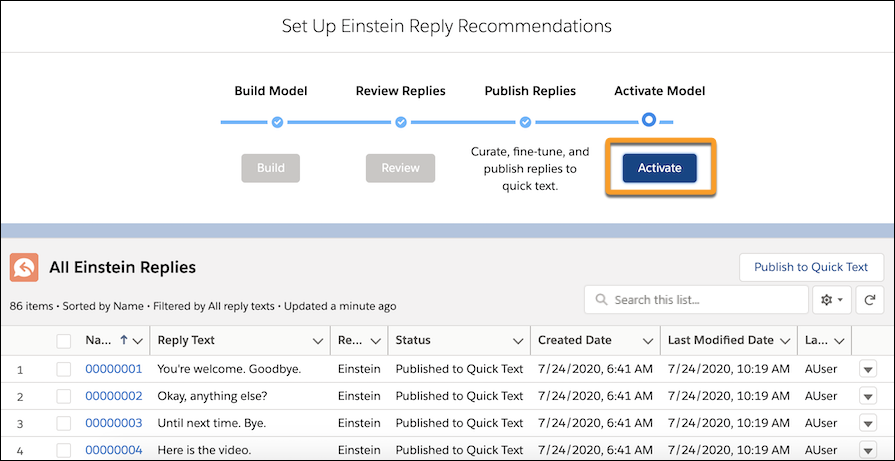
On the Einstein Reply Recommendations page in Setup, confirm that the status of the replies
that you want to use is Published to Quick Text.
-
To make the model available to your service reps, click
Activate. Service service reps can now see recommended replies in the console.