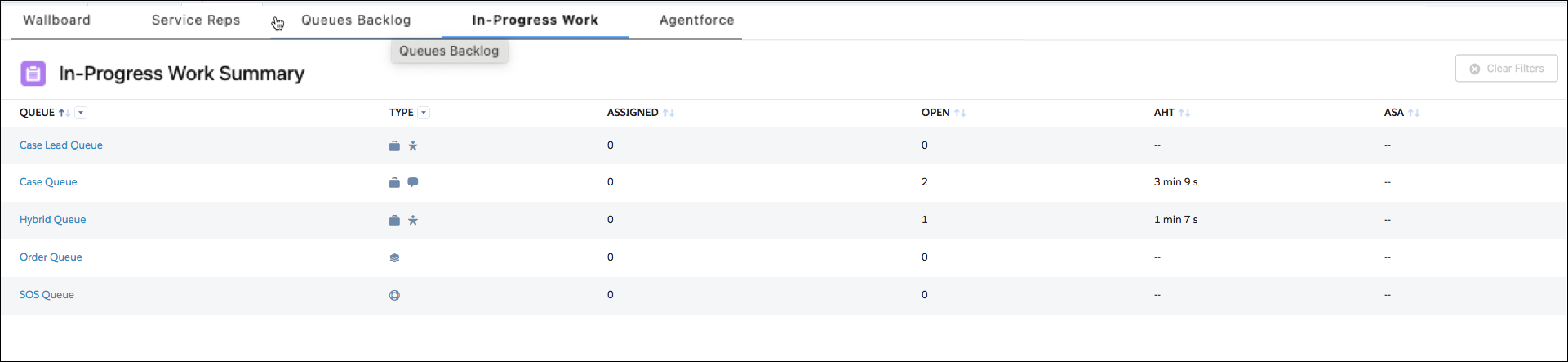
Take a stroll through the work items that are making their way through your queues and
onto your service reps’ screens, using the In-Progress Work tab in Command Center for Service.
Required Editions
Use the In-Progress Work Summary view in the In-Progress Work tab to get a breakdown of the
work that’s in your queues. See the type of work each queue can handle alongside a
state-of-the-union of its active work items.
If you want to take a closer look at what’s going on in a queue, click the queue to see its
Work Detail.