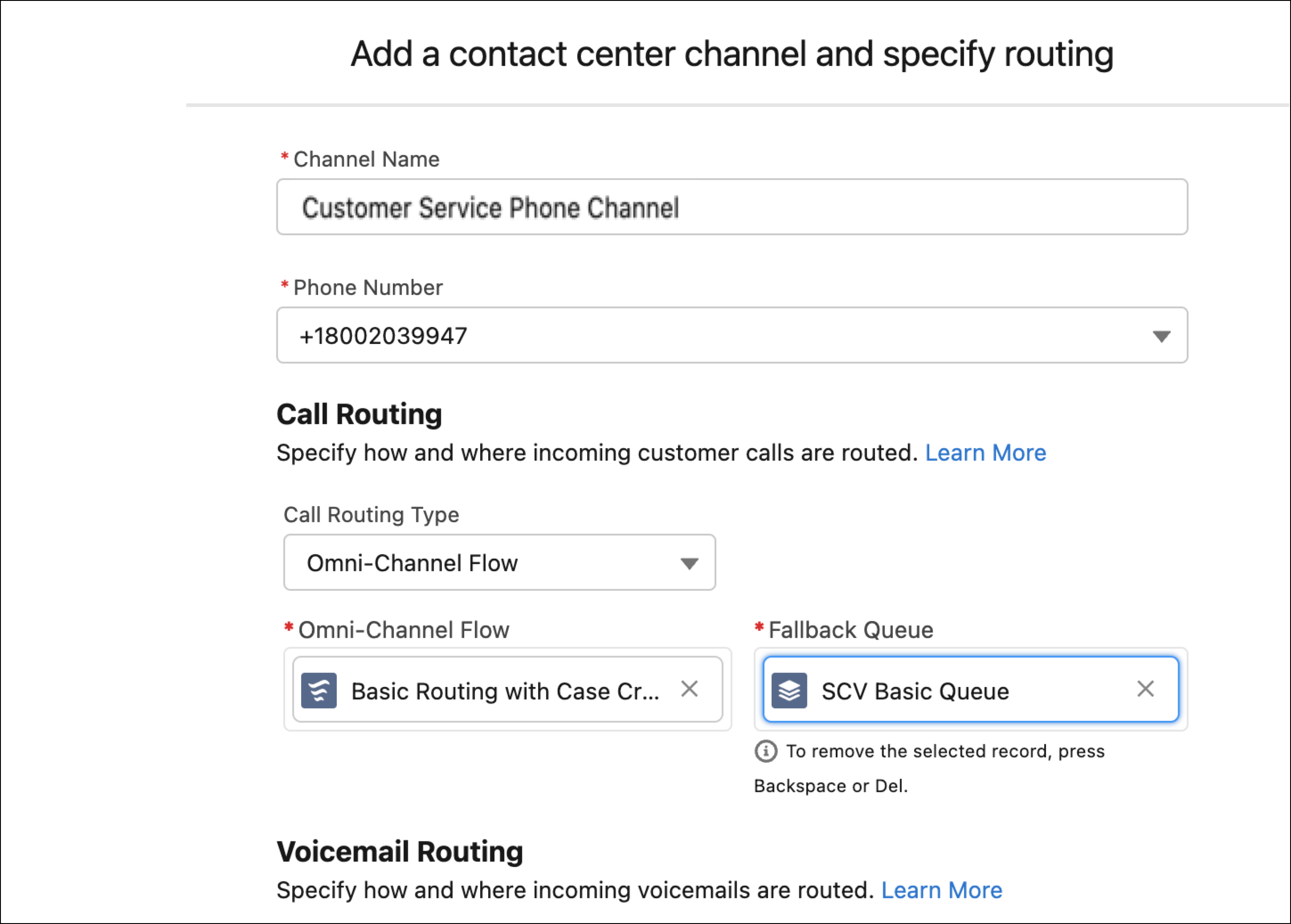
To route calls in a phone channel, edit the contact center channel, and then specify the routing method and queue for the channel.
- From Setup in the Quick Find box, enter Voice, and then select Amazon Contact Centers or Partner Telephony Contact Centers, depending on your telephony system.
- Open and edit the contact center.
- To route calls from this channel to a queue, in the Routing Type field, select Queue, and then select the queue.
- Click Save.