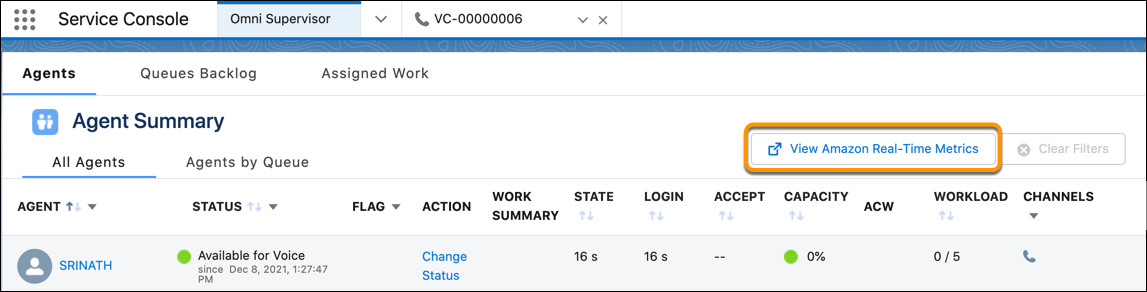
View Real-Time Metrics about Your Amazon Connect Contact
Center
To get the latest metrics about your contact center, open Amazon Connect’s Real-Time
Metrics dashboard directly from Command Center for Service. The dashboard shows key metrics such as the
reps online, handled and abandoned calls, and more.
Required Editions
This article applies to:
- Salesforce Voice with Amazon Connect
- Salesforce Voice with Partner Telephony from Amazon Connect
| User Permissions
Needed |
| To set up the View Amazon Real-Time Metrics button. |
Salesforce Voice Contact Center Admin |
| To view the View Amazon Real-Time Metrics button. |
Assign User’s Profile to Supervisor Configuration Settings |
Add the AWS Dashboard action to Command Center for Service tabs.
-
Open Command Center for Service.
-
From any tab, click View Amazon Real-Time Metrics.