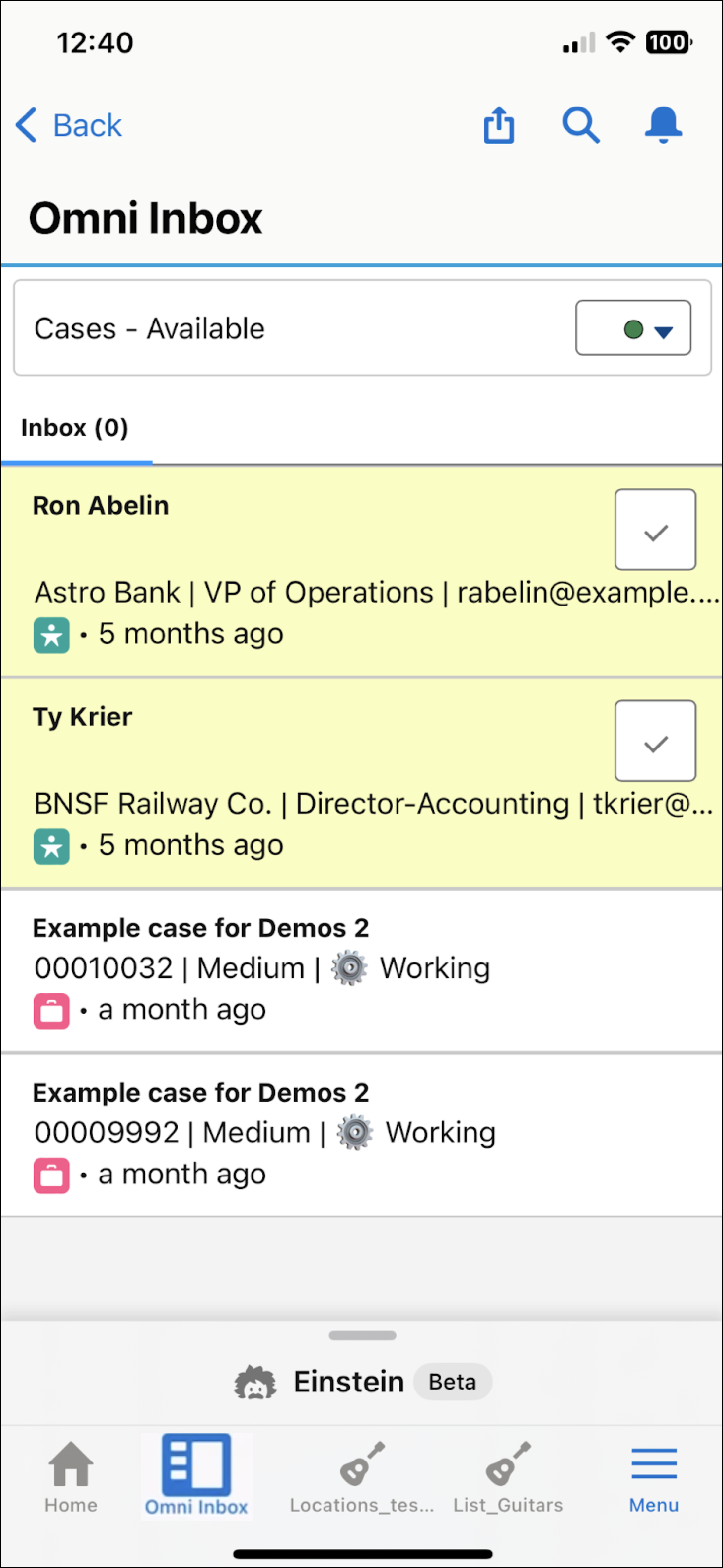
A support rep logs in to the Salesforce Mobile app and opens Omni Inbox. When the rep changes their presence status to available, they begin receiving inbound requests from customers and can make outbound contacts. They remain logged in to the Omni-Channel session as long as they don’t log out. Work items assigned to them appear in Omni Mobile until they complete, reassign, or decline them.