
To quickly grasp how Salesforce can further your customer service goals, use My Service Journey. It's a Salesforce app that details the full feature set of Agentforce Service (formerly Service Cloud).
Required Editions
| View supported editions. |

My Service Journey gives you a list of Agentforce Service functionalities, shown as clickable tiles that lead to individual pages. Each capability page provides product and licensing info, relevant KPIs, linked resources, and best practices for usage and implementation.
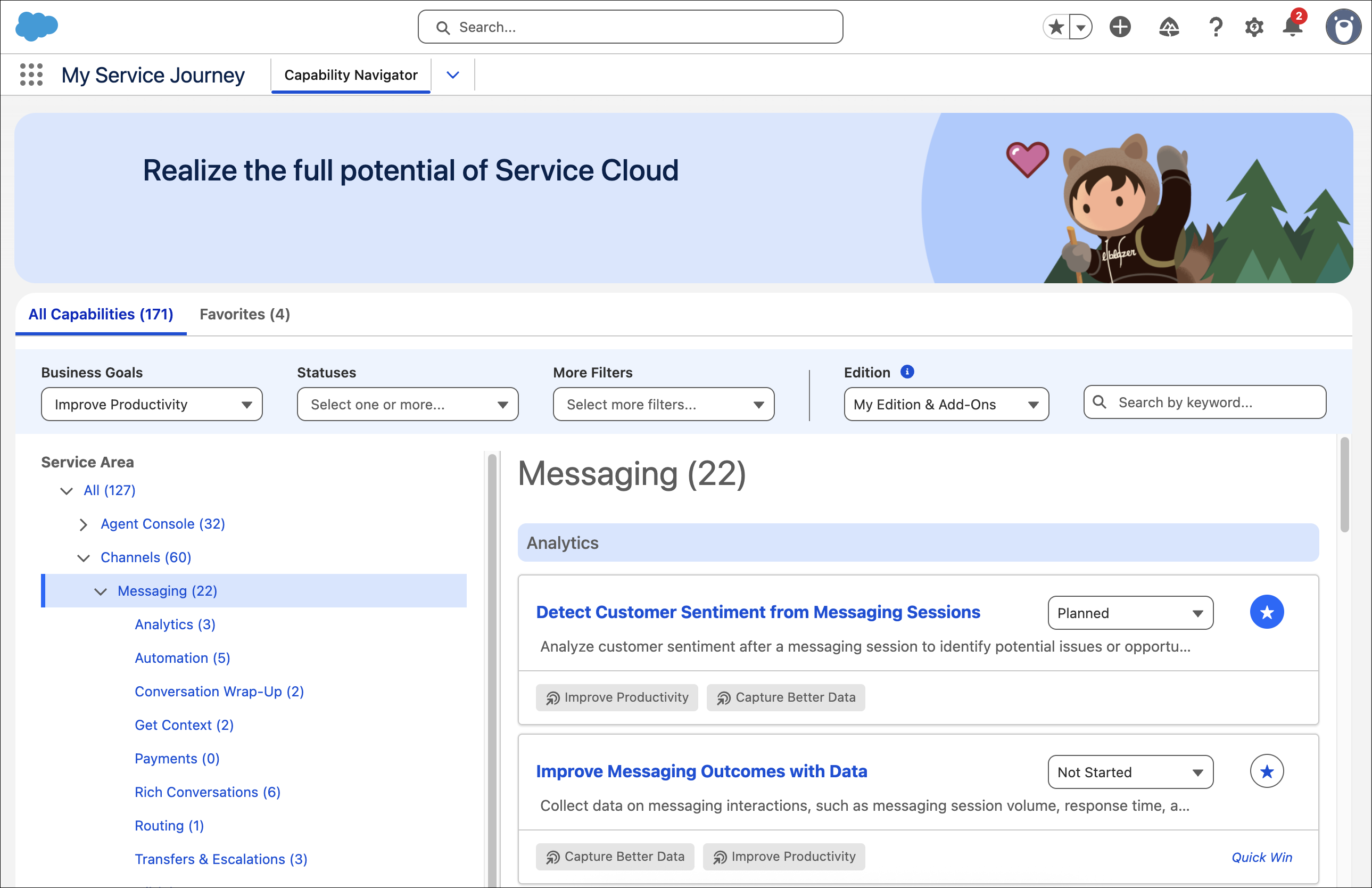
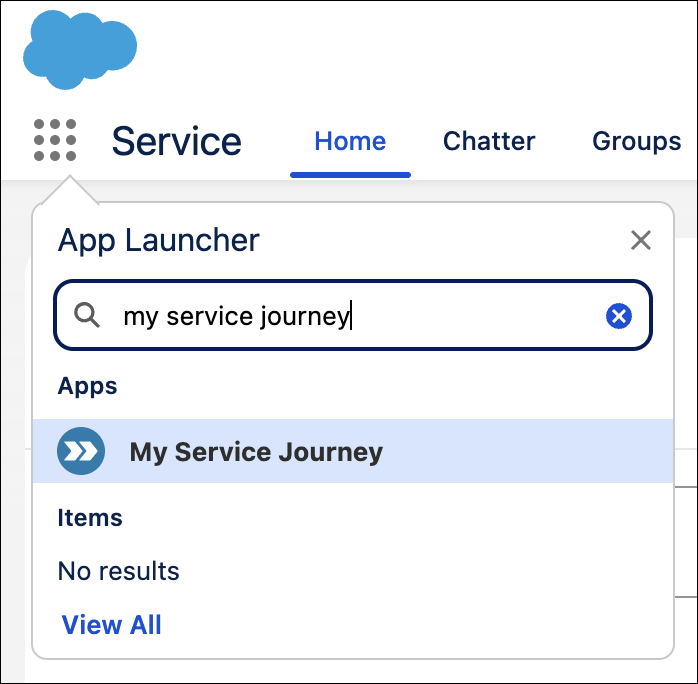
My Service Journey offers several ways to filter capabilities, including by business goal, service area, or edition. You can also view Quick Win capabilities—those with no or low implementation barriers—to get started right away. Any user in Enterprise, Unlimited, or Developer edition can access My Service Journey in the App Launcher.
When exploring service capabilities, you can click links to Salesforce Go for more content resources, easy setup, configuration, and usage tracking, all in one place.
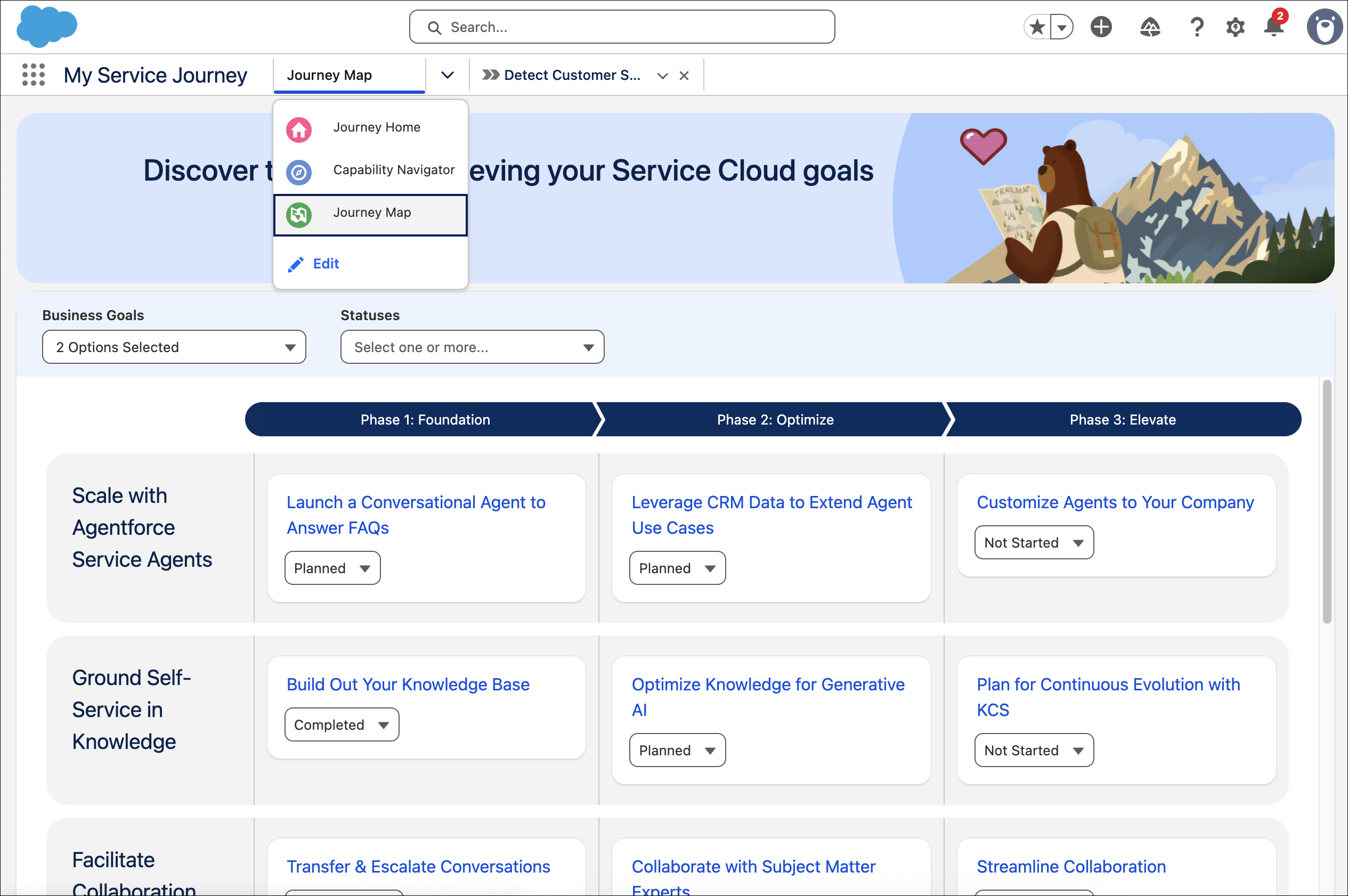
Additionally, click Journey Map to explore prescriptive service capabilities across foundation, optimize, and elevate phases. Capabilities are organized into progressing initiatives to increase productivity and self-service, and completing them updates their status on the map.
You can select capabilities as favorites or share them with members of your team. If you find a capability you'd like to request access to, reach out to your Salesforce account executive directly in My Service Journey.

- Edit Profile Access to My Service Journey
The My Service Journey app is available to all users in Enterprise, Unlimited, and Developer editions. Optionally, limit its access to specific user profiles, either from the app settings or from a profile’s settings.