
Monitor the progress and resolution status of individual customer interactions triggered by detection rules.
Required Editions
| Available in: Salesforce Classic and Lightning Experience |
| Available in: Available in Enterprise, Performance, Unlimited, and Developer Editions with Foundations or Agentforce 1 Editions. Access to some standard agent actions requires additional add-on licenses. |
| Available in: LWR and Aura |
Make sure that you’ve activated at least one Detection Rule.
A detection rule creates a Service Campaign Member record for every identified customer. Monitoring these records shows which customers ignore the invitation, which customers chat with the agent, and which issues have a resolution.
- From the App Launcher, find and select Service Console.
- Select Proactive Service Scenarios from the navigation menu.
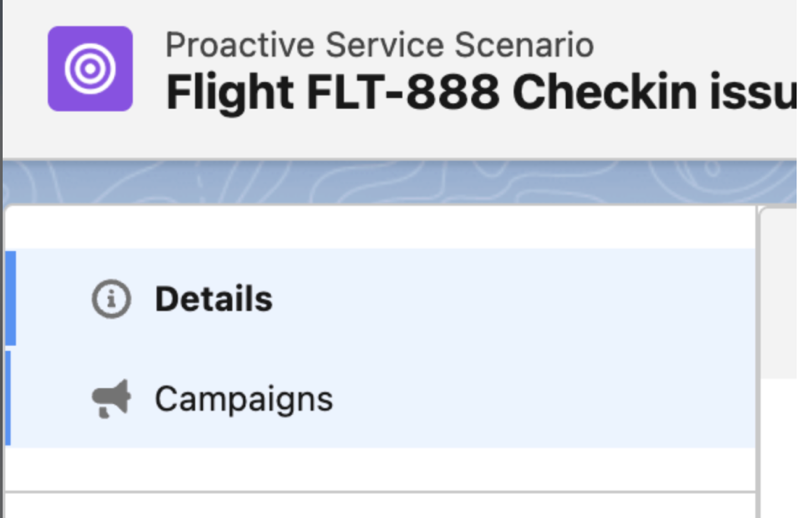
- Locate the Campaigns section in the left panel of the scenario page.
- Select the specific campaign that you want to monitor from the scenario view.
- Select the Related tab and locate the Service Campaign Members list.
- Choose a member record to view the interaction history and status.
- Review the Resolution Status field to confirm if the Agentforce Service agent successfully addressed the issue.