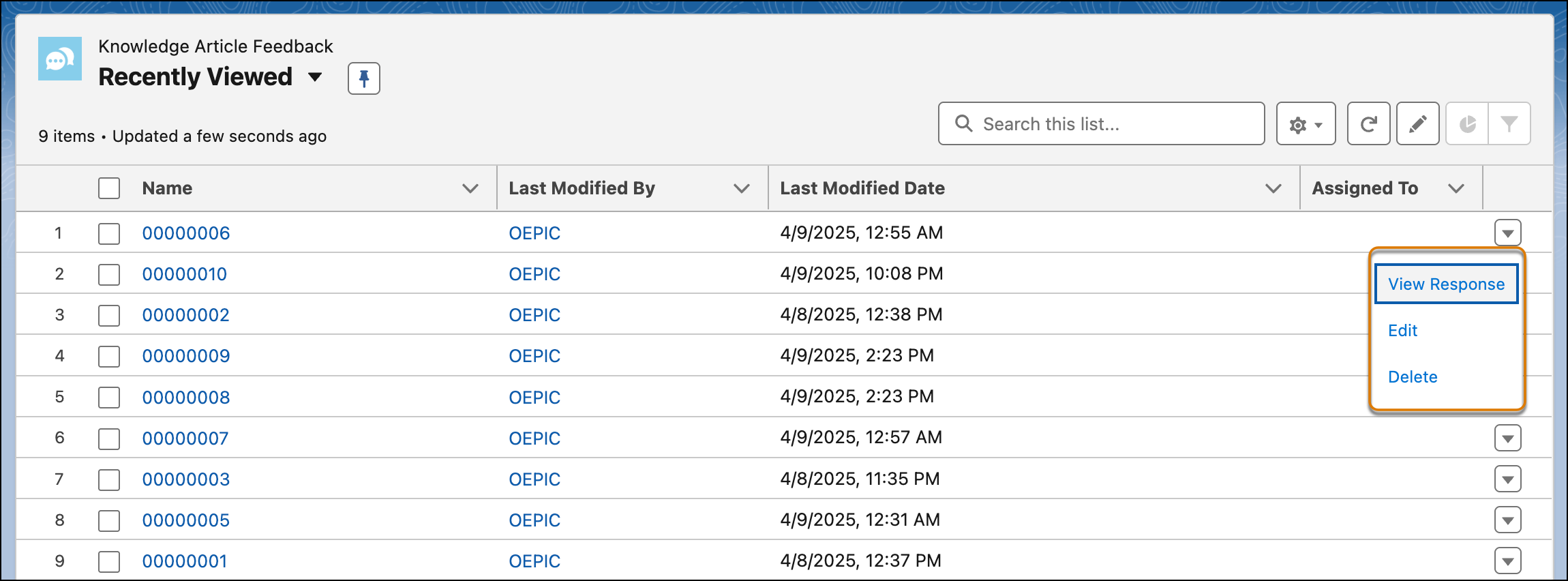
The Knowledge Article Feedback page shows a list view of all feedback responses
received on your knowledge articles, providing a consolidated overview of all feedback in one
place.
Required Editions
You can filter what you want to see on the Knowledge Article Feedback page to fit
your needs. For example, you can filter on feedback that is new, assigned to you, or
associated with a particular article.
Use the quick actions to view, edit, or delete a feedback response.