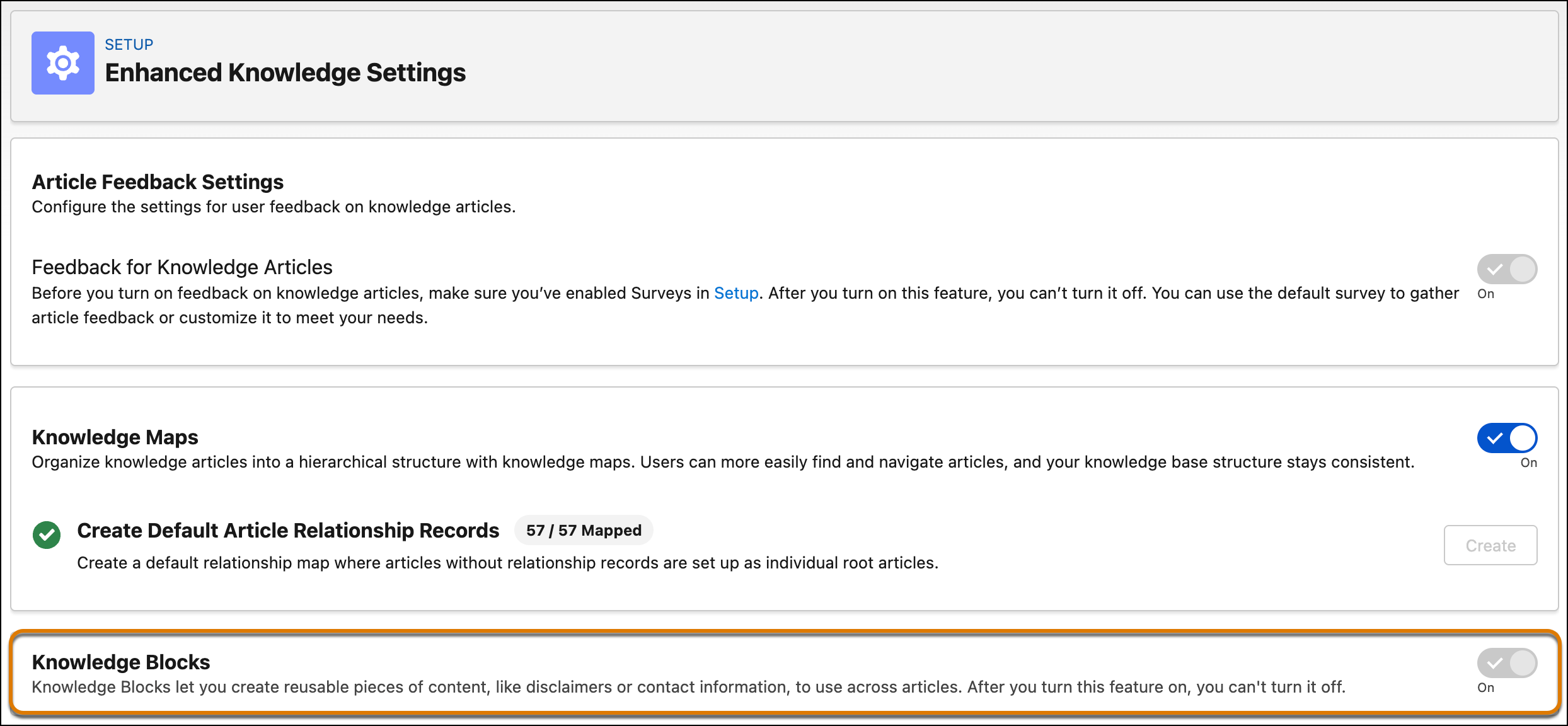
Turn on Knowledge Blocks from the Enhanced Knowledge Settings page in Setup. After you
enable it, knowledge managers and authors can access the Knowledge Blocks and Knowledge Block
Versions apps from the App Launcher.
Required Editions
| User Permissions
Needed |
| To enable Knowledge Blocks: |
Knowledge User license
AND
Customize Application
|
-
From Setup, in the Quick Find box, enter Enhanced Knowledge
Settings, and then select Enhanced Knowledge
Settings.
-
Turn on Knowledge Blocks.
-
Save your changes.
Knowledge managers and authors can now access two apps from the App Launcher:
- Knowledge Blocks app. Create and manage blocks.
- Knowledge Block Versions app. Create and manage block versions, including
versions in different languages.