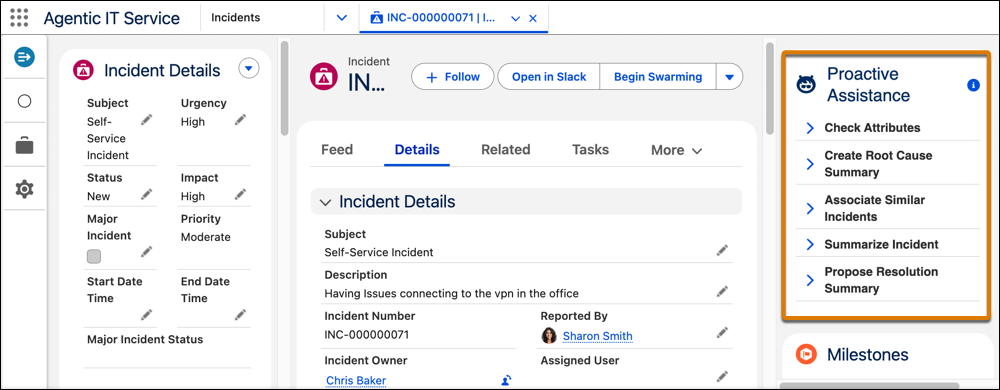
IT teams use the Proactive Assistance card on an incident or problem or risk page to
review actions. They can refresh actions as required.
Required Editions
| Available in: Lightning Experience |
| Available in: Enterprise, and Unlimited Editions with Agentforce IT
Service. |
| User Permissions Needed |
| To use proactive assistance: |
- Use Proactive Actions for IT Services
- Service Planner User
|
-
From the App Launcher, find and select Incidents or
Problemsor Risk.
-
Open an incident or problem record.
If the record isn't resolved or closed, the proactive actions component shows all the
actions that were triggered when the record was created.
-
On the record, expand each action section on the Proactive Assistance card.
-
Review the detailed analysis to understand the insights from the record.
-
Refresh the agent actions for the latest information on these actions.
- Summarize record
- Propose resolution summary
- Create record root cause summary
- Create service plan
-
Use the feedback icons to provide feedback on the suggested information for each
action.
If there is insufficient data to run a proactive action, the user is notified.