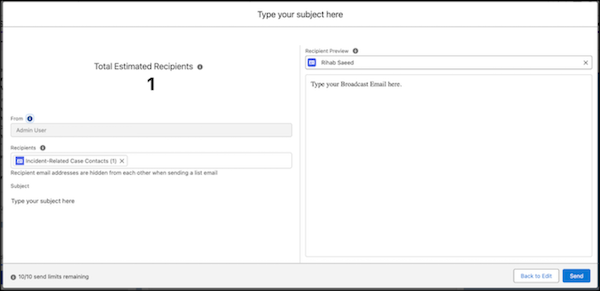
Send an email to customers impacted by an incident. You can send an email to a defined
contact list. Or, if cases
or products are attached to the incident, you can send a broadcast email to the
case or product
contacts.
Required Editions
- Customer Service Incident Management must be enabled.
- Broadcast emails must be enabled.
-
Go to the incident related lists and find the Broadcast Communications related list.
-
Choose how to send the broadcast email and click Next.
-
Click New Broadcast Email.
-
Compose the email and click Preview and Send.
-
To send the email, click Send.