To act on a broadcast alert, you can attach related cases to recent and ongoing
incidents in the Incident Alerts utility. You can also open the incident to get caught up on the
details. To use the Incident Alerts utility, an admin must add it to your Service app.
Required Editions
- Customer Service Incident Management must be enabled.
- Broadcast alerts must be enabled.
- Broadcast topics must be assigned to groups.
-
Open the Incident Alerts utility.
-
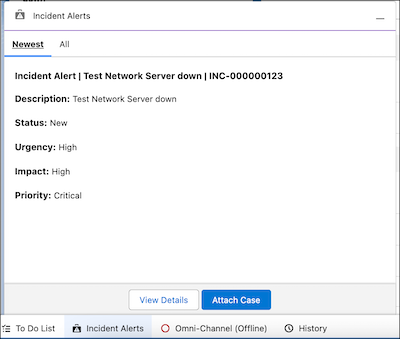
To view and manage your recent broadcast alerts, go to the Newest tab. From there, you can
open the incident or attach a case.
-
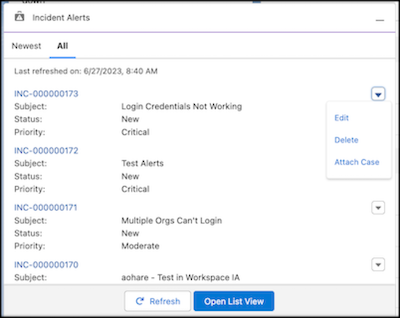
To see a list of all incidents and take action, go to the All tab.