To roll out a solution to a problem and resolve an incident, create a change
request.
Required Editions
-
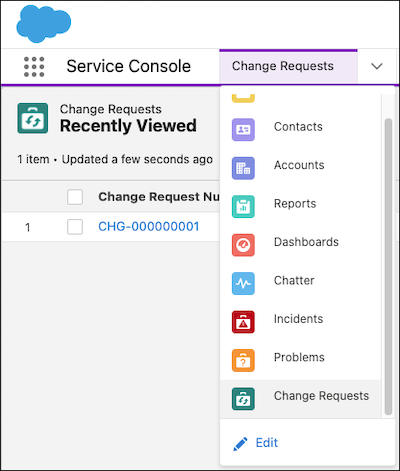
From the Service Console, click the dropdown, and select Change
Requests.
-
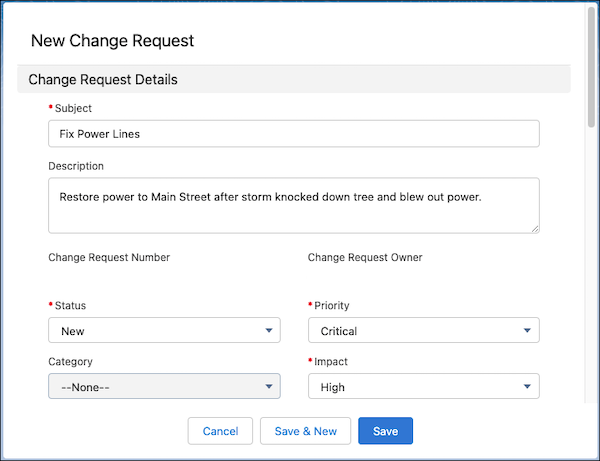
Select New.
-
Enter information such as the reviewer name or remediation plan, and then save
your changes.
After you create a change request, you can use work plans and work steps to outline
the actions needed to resolve the incident.