
If you modify a work plan, you can delete the previous plan and its steps on an existing work order or work order line item.
Required Editions
| Available in: Lightning Experience |
| The Field Service core features, managed package, and mobile app are available in Enterprise, Unlimited, and Developer Editions. |
| User Permissions Needed | |
|---|---|
| To delete work plans: | Delete and Read on work plans |

Note This action deletes all work plans on the work order or work order line item.
-
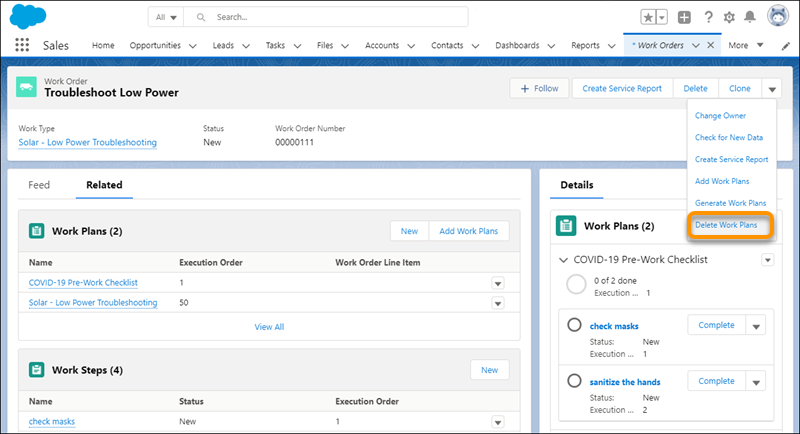
On the work order or work order line item, select Delete Work Plans
from the action menu.
Note If the work order includes a work order line item that has its own plans, we don’t delete the plans from the child work order line item.
- To add the latest versions of your plans and steps, select Generate Work Plans from the action menu.