
To quickly start using Web-to-Case, we recommend turning it on in Salesforce Go. When you do that, these settings become active.
Required Editions
| Salesforce Go is available in Lightning Experience |
| Available in: Pro Suite, Professional,Enterprise, Unlimited, and Developer editions with Agentforce Service (formerly Service Cloud) |
Where to Find Salesforce Go
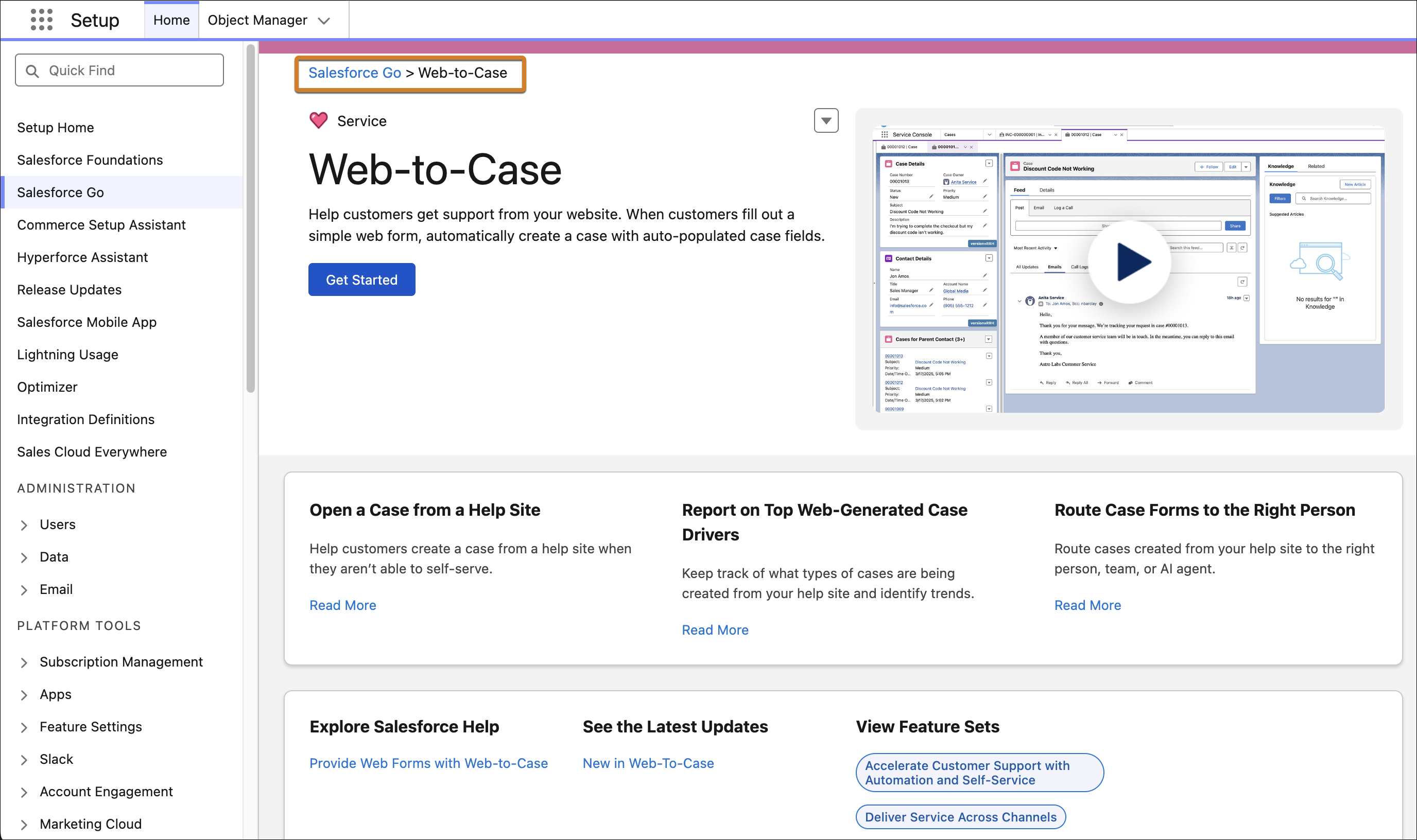
In Setup, click Salesforce Go at the top of the Setup menu. Then, search for Web-to-Case.
Default Settings
Web-to-Case interacts with other features, so it's important to understand its effects when enabled.
| Setting | What It Does | Considerations |
|---|---|---|
| Turn on Case Management | Creates the Case Updated or Created (Sample) email template, which is required for Web-to-Case. | Case Management is required to use Web-to-Case. You can modify Case Management settings. |
| Turn on Web-to-Case | Enables Web-to-Case. | You can turn off Web-to-Case. |
| Set Case Origin to Web | Sets the Case Origin field to Web on cases created with Web-to-Case. | You can modify this setting. |
| Set Default Response Template to Case Updated or Created (Sample) | Sets the default response email template for Web-to-Case to Case Updated or Created (Sample). | You can modify the email template or replace it with another one. |