
Add an Update Records action to save the ApplyCaseClassificationRecommendations case SObject output.
Required Editions
| View supported editions. |
| User Permissions Needed | |
|---|---|
| To build and manage Einstein Case Classification and Einstein Case Wrap-Up: |
View Setup AND Customize Application AND Manage Profiles and Permission Sets AND Edit on cases OR Modify All Data |
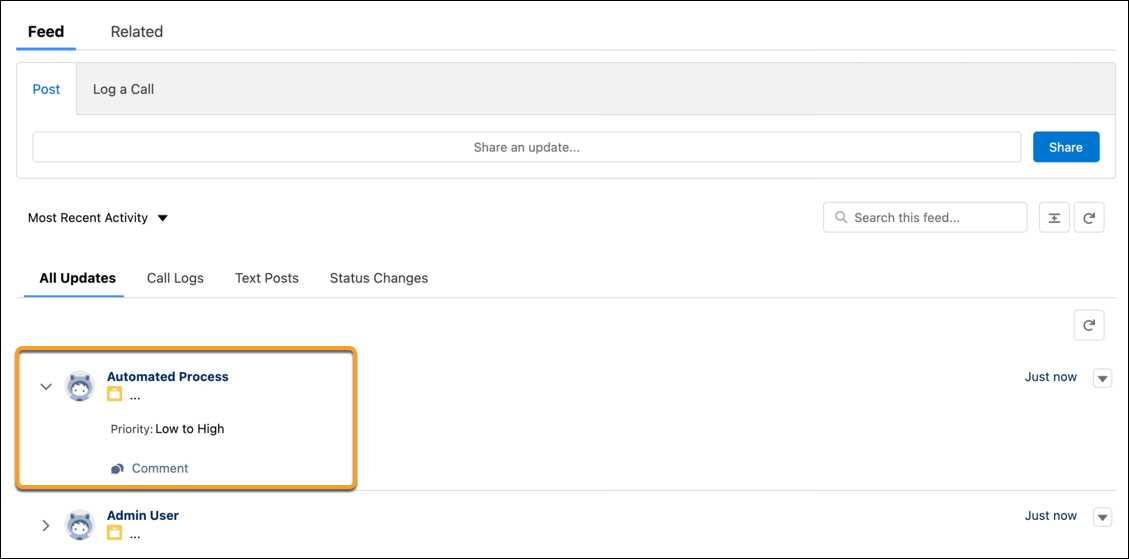
To see the case updates in the case activity feed, enable Feed Tracking for the Case object and the specific fields that are classified. Learn how to enable Feed Tracking in Customize Feed Tracking and Trailhead: Enable Feed Tracking.
-
Click
 to add an
Update Records element.
to add an
Update Records element.
- Enter a label and optionally add a description.
- For How to Find Records to Update and Set Their Values, select Use the IDs and all field values from a record or record collection.
- For Select Record(s) to Update, select the case output from your flow. So, if you named your Apply Case Classification Recommendations action MyApplyRecsAction, select {!MyApplyRecsAction.caseSObject} as the record to update.
- Click Done.
When the Case Classification action is triggered in a flow, case updates appear in the case feed.
In a screen flow, service reps must review and save Einstein’s recommendations manually.