
Select the fields you want to map Einstein generative AI outputs to in the case.
Required Editions
| View supported editions. |
| User Permissions Needed | |
|---|---|
| To build and manage for Service: Work Summaries: |
Customize Application AND Edit on records OR Modify All Data |
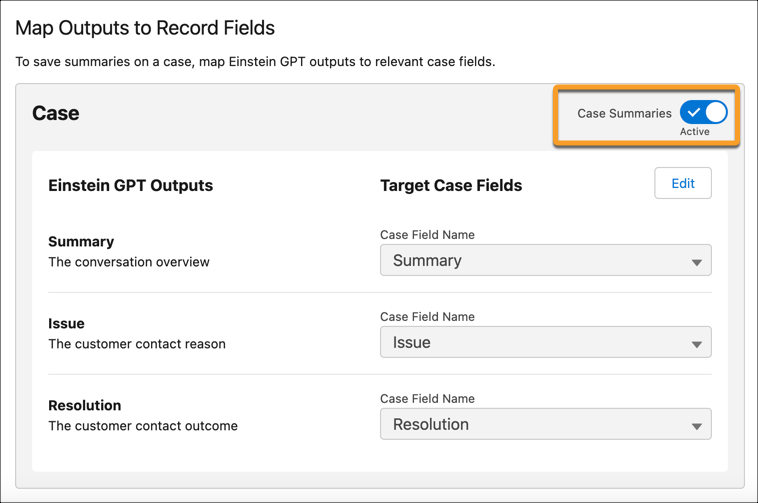
- From Map Outputs to Record Fields, in the Work Summaries Setup page, select Edit.
-
For the Summary, Issue, and Resolution, select the Case field where you want to map each
output.
To ensure fields can hold the entire summary, we recommend mapping summaries to fields with a long text format.
-
Click Save.
We don't recommend changing the field mappings after you set them up. If a field mapping is updated, new summaries are stored in the new field you specify, while the content from the previous field isn't shown on the summaries page.
- To turn on Work Summaries and show Einstein generative AI outputs to service reps in the console, turn on Case Summaries.