
Try out your bot before it’s visible to your customers with Text Preview. Or connect your bot to a Chat channel to preview your bot’s full content.
Required Editions
| View supported editions. |
| User Permissions Needed | |
|---|---|
| To build and manage Einstein Bots: |
Customize Application OR Modify Metadata OR Manage Bots |
| To manage intent sets and bot training: |
Customize Application OR Modify Metadata OR Manage Bots OR Manage Bots Training Data |
| To launch Chat setup flow: | Customize Application |
Text Preview renders all content as text and is supported for enhanced and standard bots, including standard bots connected to Messaging channels.
Rich Content Preview renders your bot’s full content and is supported for standard bots connected to Chat channels. Rich Content Preview requires an active Chat license and a linked Embedded Service Deployment in the Channels section of the Bot Overview page. To use Rich Content Preview, activate your bot.

- From the Bot Builder menu, click Dialogs.
-
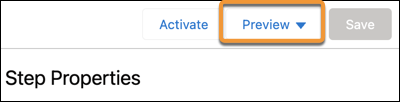
Click Preview, and then select your preview experience. To
preview an enhanced bot, select Text Preview.
-
If you’re using Rich Content Preview, select the Embedded Service Channel for your
bot.
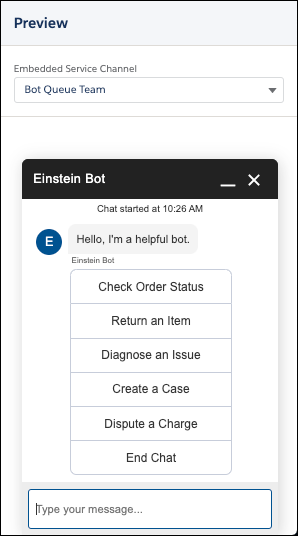
- Start a conversation with your bot. In Rich Content Preview, click Chat. In Text Preview, enter text.