
Manage your bot’s dialogs with dialog groups.
Required Editions
| View supported editions. |
| User Permissions Needed | |
|---|---|
| To build and manage Einstein Bots: |
Customize Application OR Modify Metadata OR Manage Bots |
Organize related dialogs into dialog groups. Expand and collapse dialog groups to view only the dialogs you need. Drag dialogs to different groups if you reorganize groups.
-
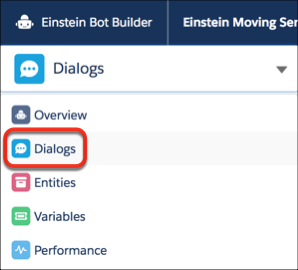
From the Bot Builder menu, click Dialogs.
-
Do either of the following tasks:
-
To add a group, in the Dialogs panel, click New Group.
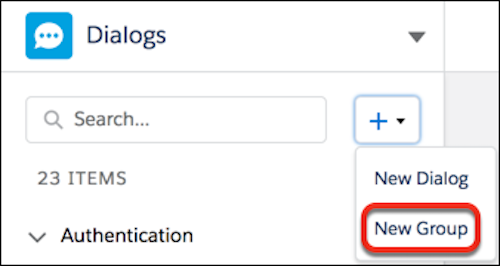 Give the dialog group a name and API name and then save the new group. Drag existing dialogs into or out of this group. You can assign new dialogs to this group when you create them.
-
To delete a group, right-click the group and click Ungroup.
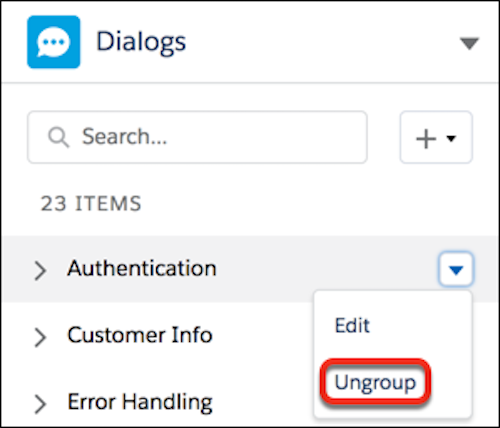 The dialog group is removed and any dialogs that were in the group become ungrouped dialogs in the Dialogs panel. Drag them to other dialog groups as needed.
-
To add a group, in the Dialogs panel, click New Group.