Expand a bot’s capabilities with a Custom Chatbot User. By default, each bot is
assigned to the Basic Chatbot User. If you want a bot to use features or objects that require
additional permissions, assign it to a custom user.
Required Editions
| User Permissions
Needed |
| To build and manage Einstein Bots: |
Customize Application
OR
Modify Metadata
OR
Manage Bots
|
| To assign a Custom Chatbot User |
Manage Users |
The bot performs actions, such as accessing record information, based on the user
it’s assigned to. Before you assign a custom user to your bot, make sure that the user has
access to features that you want your bot to use, including objects, Visualforce pages,
Lightning web components, and Apex classes. You can use an existing user or create a user
specifically for your bot.
-
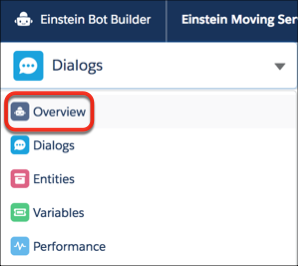
In the Bot Builder menu, click Overview.
-
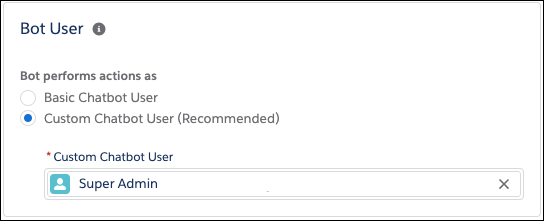
In the Settings area under Bot User, click Edit and then select
Custom Chatbot User.
-
Select a user and then save your changes.