
A value list entity provides a way to extract the entity if there’s an exact match to a value or a synonym in a list of values.
Required Editions
| View supported editions. |
| User Permissions Needed | |
|---|---|
| To build and manage Einstein Bots: |
Customize Application OR Modify Metadata OR Manage Bots |
For example, if you sell widgets in the colors red, green, and blue, you can create a value list entity called Color. Then create three value to value list pairs of alternates or synonyms for each color. The bot can recognize any value list value as a match for the color value. Bots with multiple languages can define their value list entities by language.
-
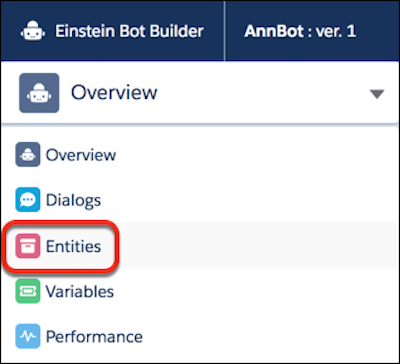
From the Bot Builder menu, click Entities.
- In the Entities list view, click New.
- Provide an entity name and select Value List.
- Save the new entity.
-
In the All Entities list view, click
 | View for the new entity.
- Click Add. Enter each value and corresponding value list. Separate value list terms with commas.
- Save the entity.