Make a warm transfer to a person outside your company, like a partner or vendor. Talk
to the external contact before you bring in your caller, without losing your connection to the
caller.
Required Editions
| User Permissions Needed |
| To transfer a call to an external number: |
Agentforce Contact Center Rep (Salesforce Voice) permission set.
|
-
While on a call, click New Call.
-
Click Keypad and enter the number you want to call.
-
Click Call. The caller is placed on hold.
-
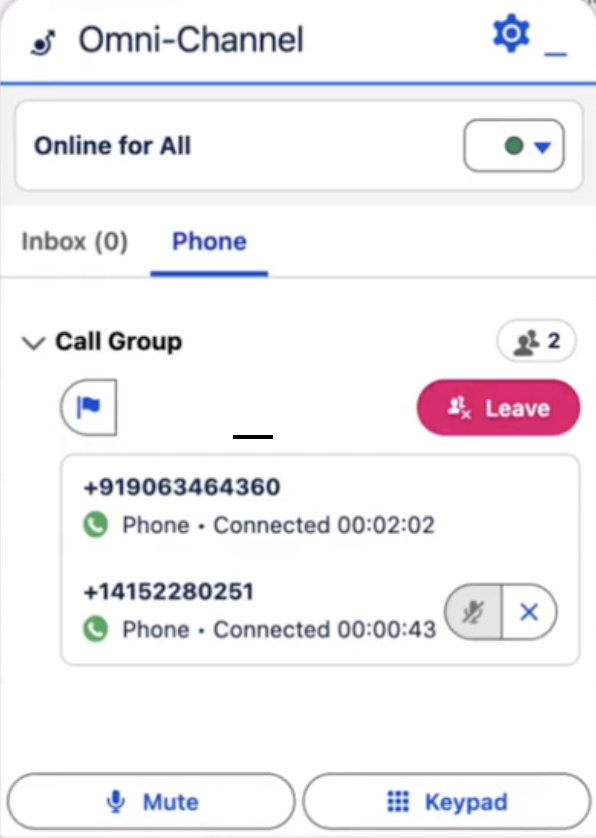
To add the external contact to the call, click Merge.
You, the caller, and the external contact are now on the call.
-
To complete the transfer, click Leave.
The caller and external contact remain on the call.