Set a 10-digit long code or toll-free number that supports outbound calling as your
default Caller Line Identification (CLI) number. The CLI number must be associated with a voice
channel.
Required Editions
This article applies to:
Salesforce Voice (Native Telephony)
| User Permissions Needed |
| To set a default CLI number: |
Agentforce Contact Center Admin (Salesforce Voice) permission set.
Learn how to view permissions in this permission set.
|
-
From Setup, use Quick Find to go to Communication Channels.
-
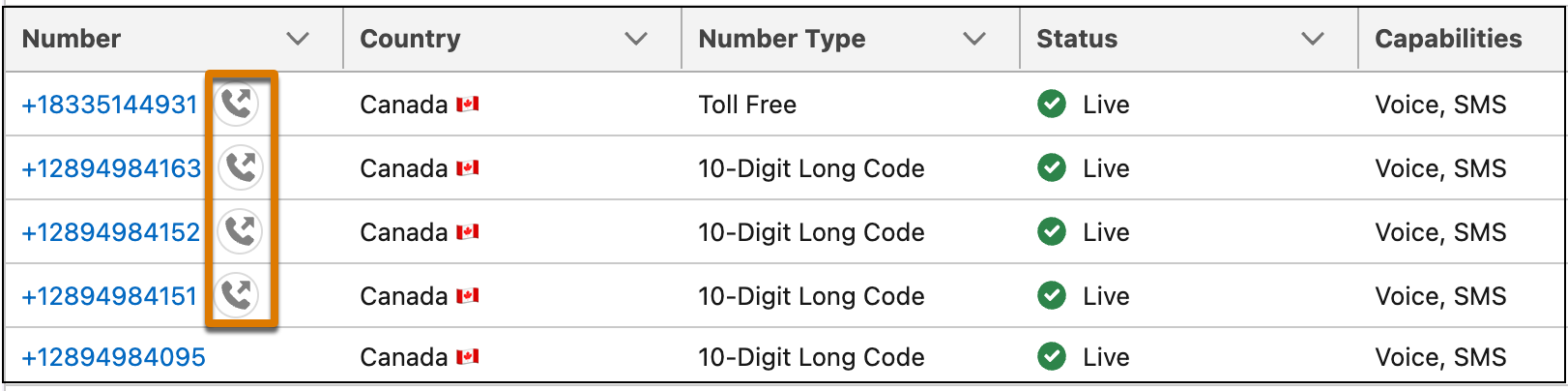
In the Numbers tab, search for the 10-digit long code or toll-free number you want to set
as the CLI number. Numbers that are available to be set as default CLI are represented with
this icon.
-
Click the number to open its details. From Outbound Call Settings, turn on Set
as Default Caller ID.
-
Click Yes, Set New CLI..
-
To verify that your number has been set as the default CLI, in the Numbers tab, search for
your number. An icon next to the number indicates that it's the default CLI.