Update your call and routing settings any time after you create the WhatsApp voice channel.
Required Editions
This article applies to:
Salesforce Voice (Native Telephony)
| View supported editions. |
| User Permissions Needed | |
|---|---|
| To manage a WhatsApp Voice channel: |
Agentforce Contact Center Admin (Salesforce Voice) permission set. Learn how to view permissions in this permission set. |
-
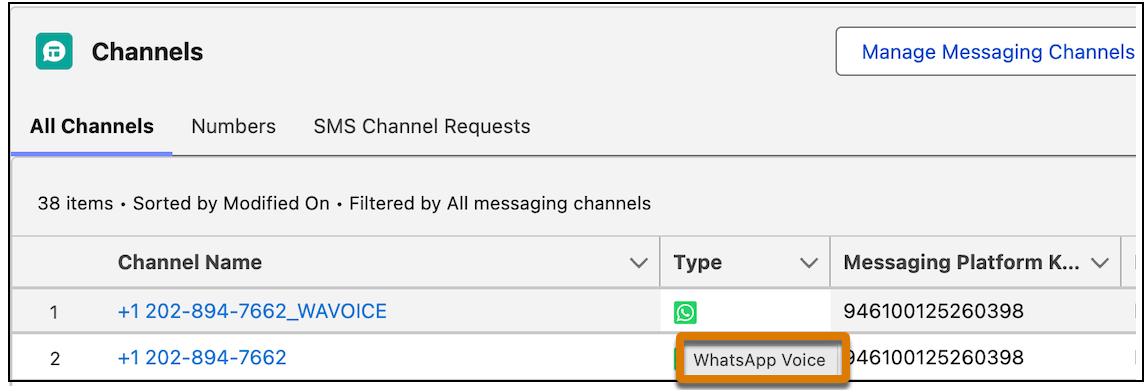
From Communications Channels, under All Channels, click the channel you want to edit.
To check if your channel is enabled for WhatsApp Voice, hover over the icon in the Type column. You should see the WhatsApp Voice tooltip.
- From the Voice tab, update any settings you want and save your changes.