
Download or delete a call recording.
Required Editions
This article applies to:
Salesforce Voice (Native Telephony)
| View supported editions. |
| User Permissions Needed | |
|---|---|
| To manage a recording: |
Agentforce Contact Center Admin (Salesforce Voice) permission set. Learn how to view permissions in this permission set. |
- Open the Voice Calls tab. Alternatively, open the App Launcher, enter Voice, and select Voice Calls.
- Click the Voice Call record for the call that you want to manage.
-
In the Call Audio Player, click and select Download Call
Recording.
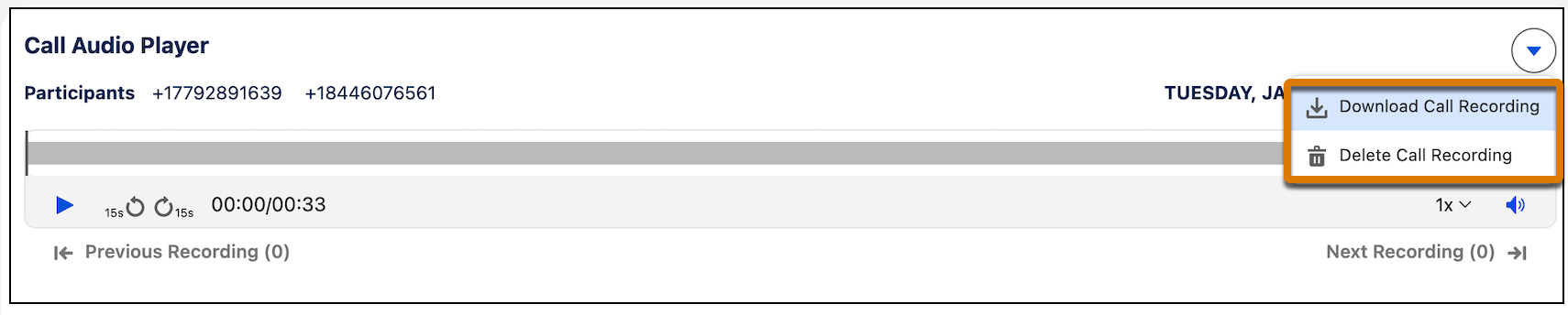 Downloaded recordings are saved to your default folder as specified in your system settings.
 -
In the Call Audio Player, select Delete Call Recording.
If you delete a call recording, you can't recover it again.
- Click Delete.